8
Operation
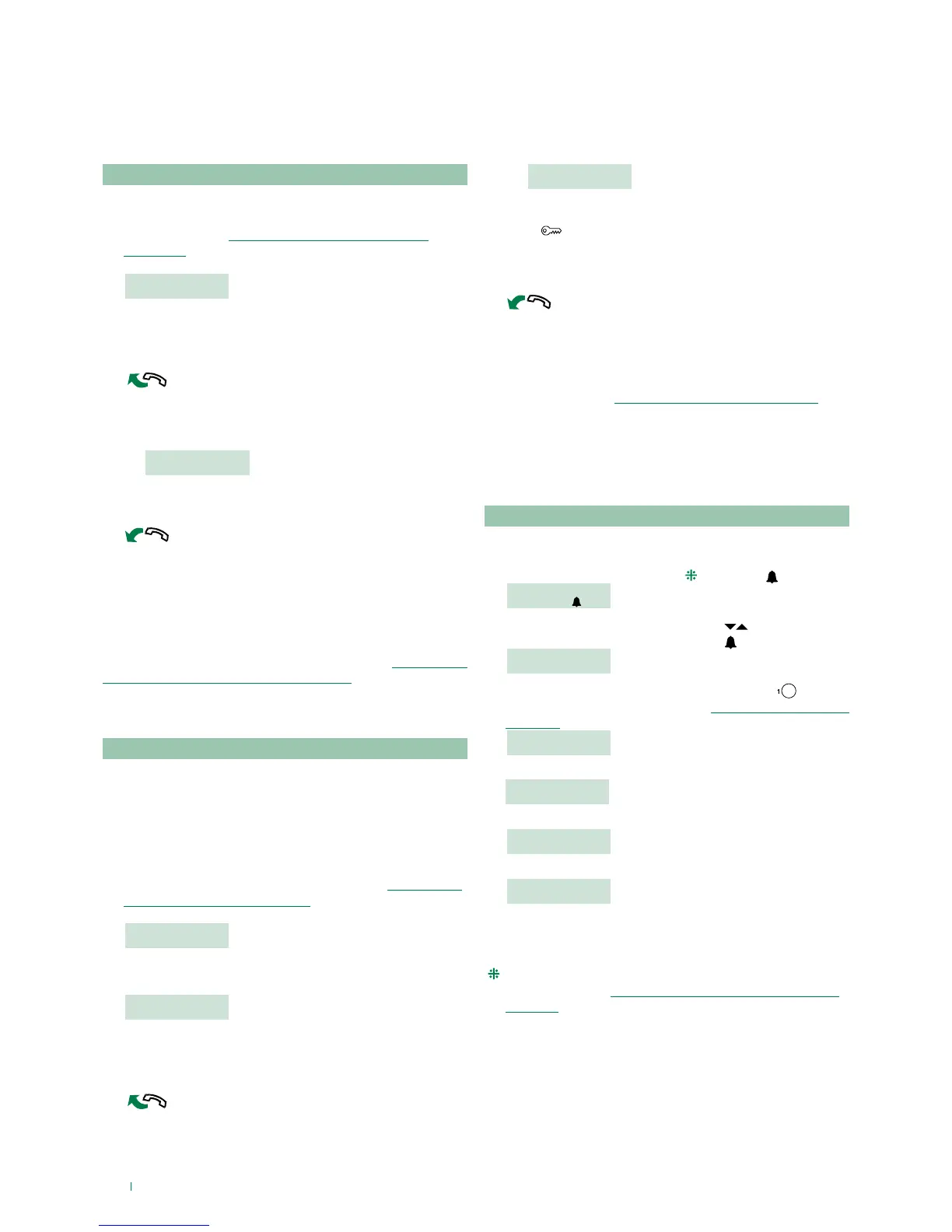
U1 How to answer a call from an internal unit
When the switchboard receives a call from an internal unit:
» the NAME of the internal unit making the call (if listed in
the directory, see ”U8 How to enter a name in the
directory”) or the address of the caller (e.g. 002) is
displayed.
CALLED FROM
USER 002
f to answer the call originating from the internal unit, lift the
handset within 30 seconds;
» the switchboard begins communicating with the
internal unit, the maximum duration of the conversation
is 2,5 minutes;
COMMUNICATING
WITH USER 002
f to end the conversation, hang up the handset.
f to reject the call, press CANC.
CAUTION!
If the switchboard is busy or the switchboard operator
is momentarily absent and cannot answer within 30
seconds, the call will be added to the log, see ”U6 How to
call an internal unit listed in the call log”.
U2 How to answer a call from an external unit
The switchboard must be in DAY mode, in NIGHT mode it will
only answer direct switchboard calls.
The switchboard can receive a call from an external unit:
• directly addressed to an internal unit, in this case the
NAME of the call recipient (if a name has been assigned to
the corresponding code in the directory, see ”U8 How to
enter a name in the directory”) or the address of the call
recipient (es. 002) is displayed.
CALL FOR
USER 002
or
• or directly addressed to the switchboard (address=240)
CALL FOR
SWITCHBOARD
• to answer the call originating from the internal unit, lift the
handset within 30 seconds;
» the switchboard begins communicating with the external unit,
the maximum duration of the conversation is 2,5 minutes;
COMMUNICATING
TO EXTERNAL UNIT
f press if necessary to activate the external unit electric
lock; if the lock-release is activated some confirmation
tones will be emitted;
f to end the conversation, hang up the handset.
f to reject the call, press CANC.
CAUTION!
In NIGHT mode (see ”U13 Day/night operating mode”),
calls from the external unit directed to an internal unit
appear on the display, but cannot be intercepted by the
switchboard.
U3 How to call an internal unit
The switchboard can use 3 dierent methods to call an
internal unit:
• enter the internal unit number (
) and press .
USER 002
TO CALL
• scroll through the directory using the keys until the
desired name is displayed and press .
JENNIFER
CODE: 002
• press the corresponding speed number (ex. speed
number 1= stored code “002”, see ”I4 - Recording speed
number”).
CALL
JENNIFER
» if the call has taken place correctly:
CALLING
USER 002
• if the call has not taken place correctly:
USER 002
NOT AVAILABLE
» if the internal unit is busy:
BUSY
USER
• When the internal unit connects to the audio line,
communication with the switchboard begins; the
maximum duration of the conversation is 2,5 minutes..
(
) The number to be entered depends on the switchboard
configuration see ”C8.2 - Calling mode (available from
R.I.006)”; contact your usual installer.
The following functions are the main features of the switchboard and its operating mode, these can all be accessed directly,
without using the menus.


 To Next Page