4
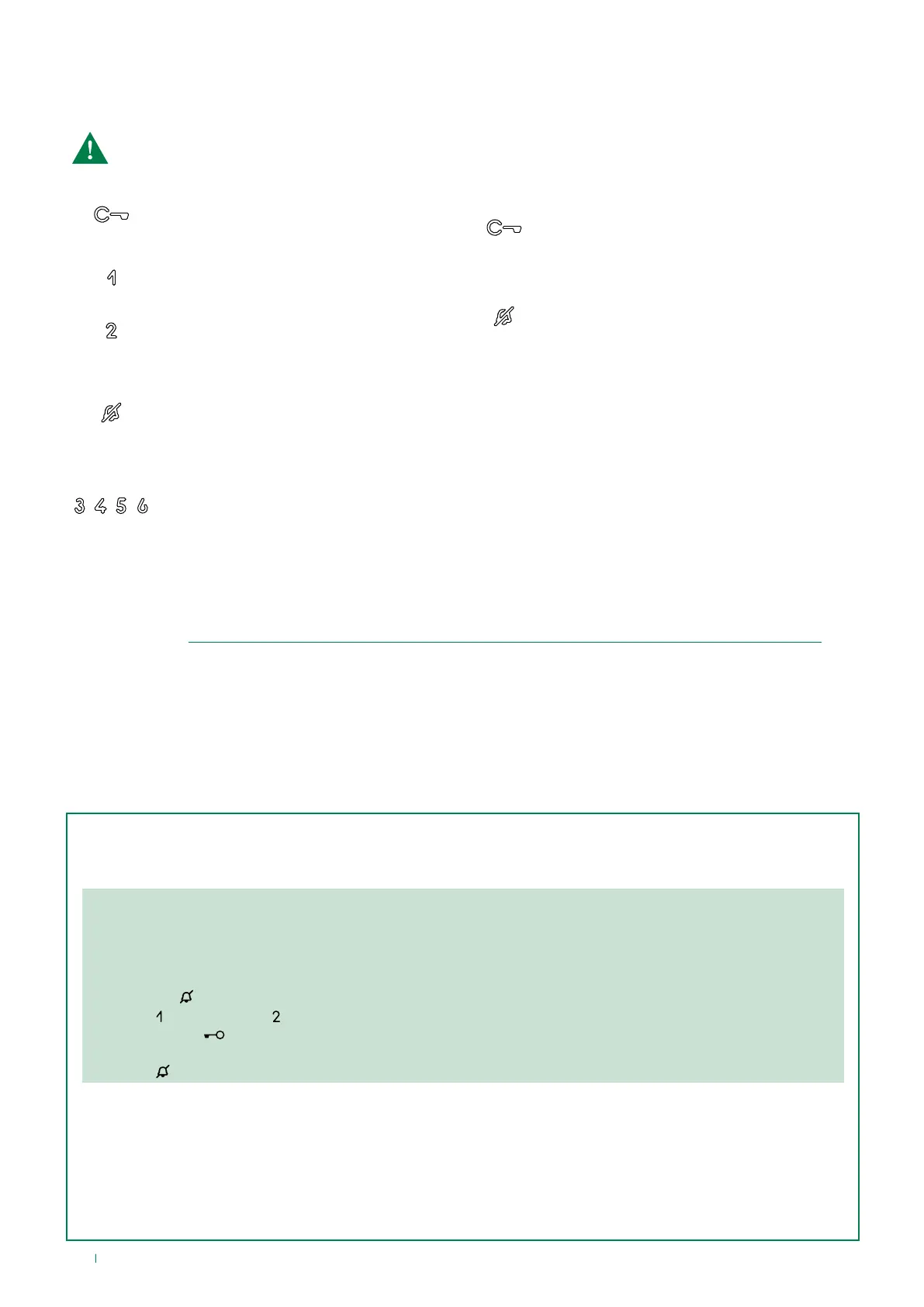
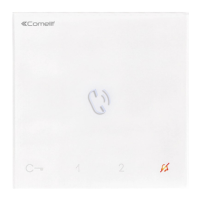
Legend: buttons and indicator LEDs
f Press the desired button once to activate the associated function
Wait for approximately 1 sec. before pressing the same button again. Pressing the same button several times in
quick succession will cancel the command.
Description of buttons
LOCK-RELEASE
f Press the key to activate the
corresponding door lock
ACTUATOR (default*)
f Press the key to activate the corresponding
relay
SELF-ACTIVATION (default*)
f Press the key to access real-time viewing
of the camera for the outdoor entrance
panel
SILENT MODE (Privacy)
f Press the key to enable silencing of the
ringtone on receipt of a call from the
outdoor entrance panel and from the
switchboard
PROGRAMMABLE BUTTONS
Applies to Art. 6701W/8
Indicator LED description
Flashing LED: incoming call
1 flash after pressing button: confirms door
opening
Slow flashing: door open
Flashing LED: device in programming mode
4 flashes: system busy
Steady LED: Silent mode (Privacy) enabled
3 flashes every 5 sec.: Door Opening Upon Call
(Doctor) function enabled
(*) Buttons may be programmed as:
• AUTOMATIC LOCK-RELEASE ON RECEIPT OF CALL (Doctor)
See paragraph “Pressing and holding keys (disabled by default from firmware version 3.0.1 (3.2.0 for 6701W/8)”
• INTERCOM
Allows a call from one internal unit to one or more internal units
• CALL TO A MAIN OR SECONDARY SWITCHBOARD
• PRIORITY CALL TO SWITCHBOARD (“PAN”)
• CALL TO CARETAKER DOOR-ENTRY PHONE
Pressing and holding keys (disabled by default from firmware version 3.0.1 (3.2.0 for 6701W/8)
Pressing and holding keys adds further functions to the door entry monitor.
Carry out the procedure described below to enable - or disable, depending on the factory setting - the press and
hold feature:
√ Door entry monitor in standby.
1. Take note of the S2 DIP-switch settings.
2. Enter programming mode by setting S2 DIP-switches 1, 3, 5 to ON.
» the LED flashes
3. Press to enable (or press to disable).
4. Make sure the key flashes 4 times and the confirmation tone is emitted.
5. Restore the initial configuration of the S2 DIP-switches.
» LED switches off
Once the procedure is complete, you will be able to enable the following functions:
Automatic lock-release on receipt of call (Doctor mode)
Automatic activation of the Lock-release relay on receipt of a call originating from the external unit.
f Press and hold (4 sec.) the programmed button to enable/disable the function.
Self Activation
f Press and hold (4 sec.) the programmed button to disable the function. (Enabled by default).



 To Next Page