5
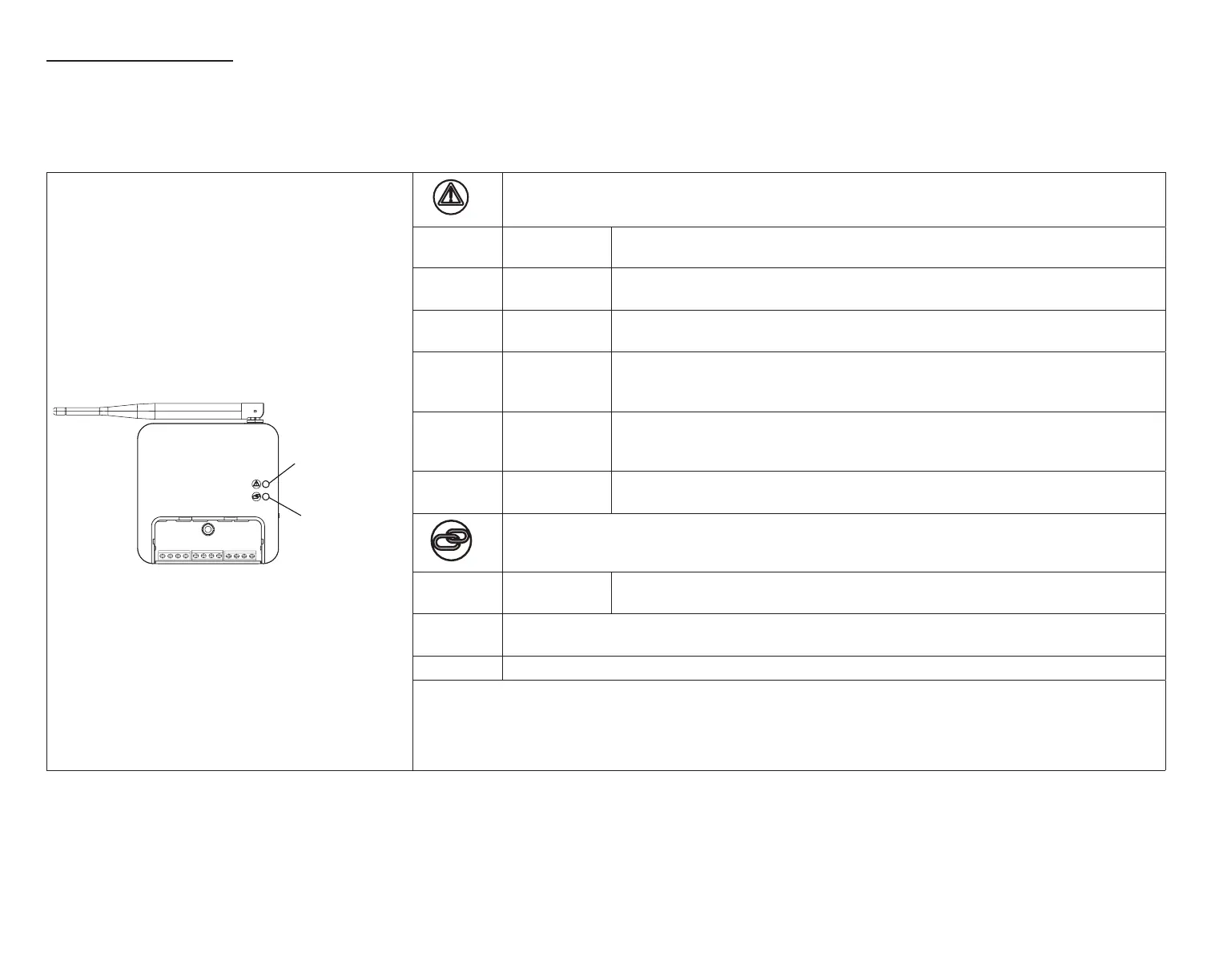
Smart Hub lED InDICatorS
When alarms are present, you may review alarm(s) listed either on the homeowner notication screen or the menu / settings > advanced settings > dealer
control center > notications screen.
Alert codes which require manual clearing can only be done under the dealer control center > notication screen.
Table 1. System Status LED Indicators
System Status LED
System Commissioning
Status LED
Smart Hub
+
-
COMMBUS
A B
R i+ I- C
ACC1 ACC2
System Status LED
LED
Color
Status Description
Green
System is
normal
A solid green LED indicates no system errors are detected. System
operating as designed.
Red
HVAC
Fault
System has critical alert which needs attention.
Amber Wi-Fi Error
Blinking amber LED indicates either Wi-Fi is not connected, no Wi-Fi is
within range, or and Wi-Fi hardware error. Could also indicate intermittent
Wi-Fi connection.
Magenta
Thermostat
Error
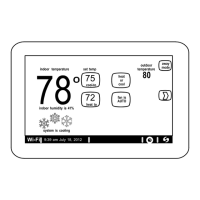
Blinking magenta LED indicates HD display not connected. (see “Table 2.
Communication Error Troubleshooting
(HD Display to Smart Hub)” on page 6)
Cyan
HVAC
Error
Indoor unit is not connected or unable to communicate.
Commissioning Status LED
Blue
System is
normal
No mobile device is directly connected using Wi-Fi to the Smart Hub.
Green
Blinking green LED indicates the commissioning button has been activated and the Smart
Hub is waiting for a connection with a mobile device.
Green A solid green LED indicates a mobile device is connected to the Smart Hub.
• If multiple errors are present, the system status LED will display each active error for one second on and
one second off and then display the next error if present.
• The system will continue to cycle through all active errors.
• System status errors are displayed in the following priority: HVAC, thermostat and then Wi-Fi.


 To Next Page