10 / Homeowner’s Guide ComfortNet HiDef Control
Using Your
Control system
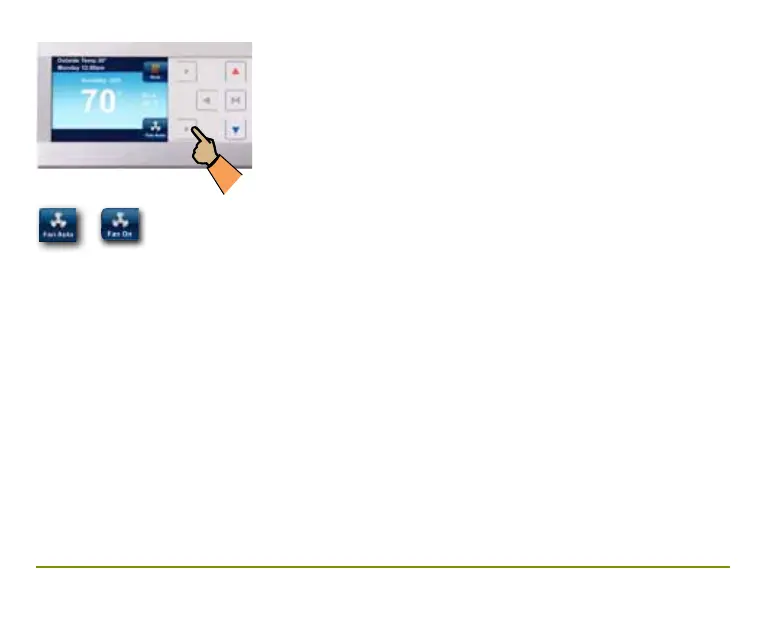
Choosing the Fan Setting
(On or Auto)
Fan Auto This is the most commonly used
setting. The fan will turn on only when the
heating or cooling system is running.
Fan On You can choose to have the fan
running continuously by selecting Fan On.
When this is selected, the fan will run at the
speed (High, Medium, or Low) selected in the
Fan Settings menu.



 To Next Page