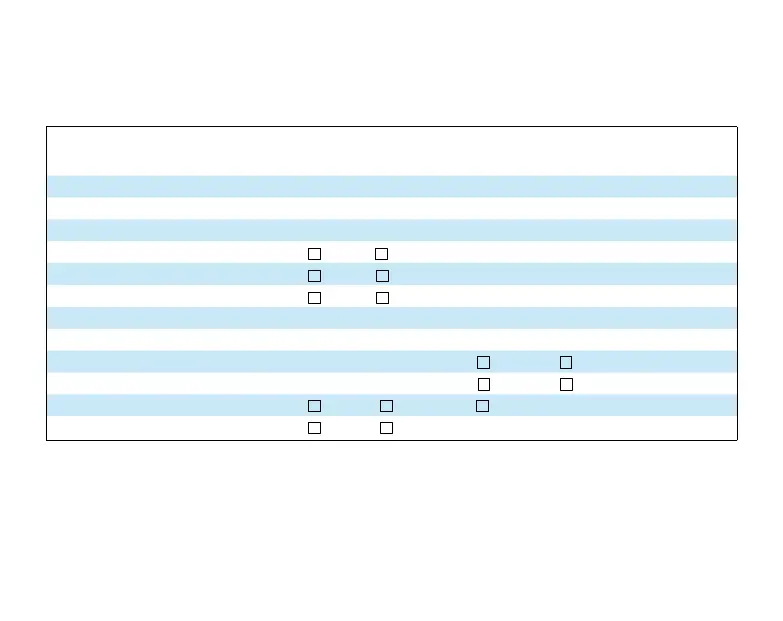
Record of Control system Options Selected
For your quick reference, below are the options selected by your installing dealer to opti-
mize your equipment settings and your personal home comfort preferences. (Contractor to
fill in value or check box. N/A = Not Applicable for your equipment or application.)
Control system Options Configuration Menu
Factory
Settings
Air Filter Maintenance
___Months Off
UV Lamp Maintenance
___Months Off
Humidifier Pad Maintenance
___Months Off
Temperature Display
°F °C (Fahrenheit/Celsius) °F
Beeper
On Off (Button Input Confirmations On
Energy Management Recovery
On Off On
Maximum Heat Setpoint Temp.
___(98° to 45°) 99°
Minimum Cool Setpoint Temp.
___(46° to 99°) 45°
Humidity Display Adjust
___% (1 to 20%)
Hi (+) Lo (-) 0%
Temperature Offset
___(0, 1, 2, 3, 4, 5°)
Hi (+) Lo (-) 0°
Continuous Fan Speed
High Medium Low (Fan-On Setting) Medium
Keypad Backlight
On Off On
If you need help adjusting the programmed time or temperatures
in your control system, please call the Homeowner Help Line at 800-284-2925
For All Other Service, Please Call:
Installing Dealer: ________________________________
Phone: ________________________________________
Date Installed: __________________________________
Part No. WR37-7232A
HI-150



 To Previous Page