ComfortNet HiDef Control
Homeowner’s Guide / 13
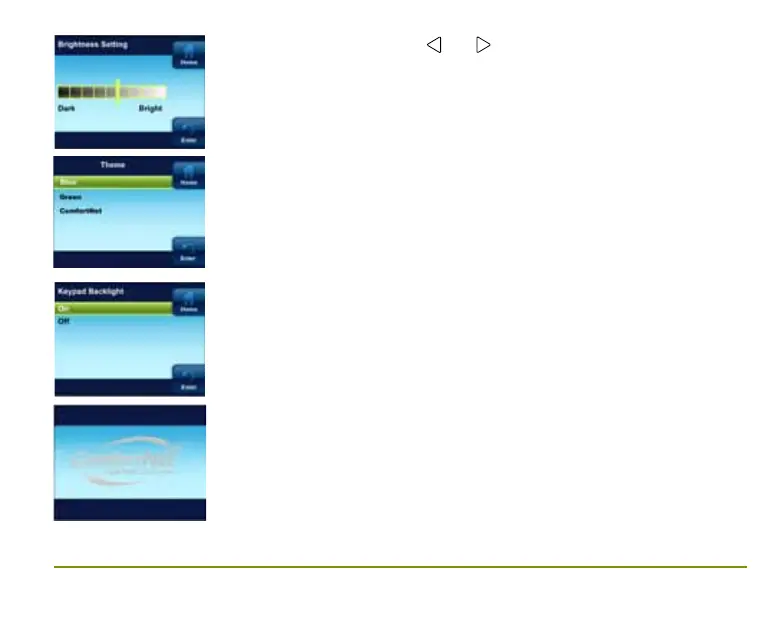
Theme. Theme allows the user to choose from alternate
background schemes.
Keypad Backlight. When selected On, the light on the keypad will
be on to give the keypad better visibility. If selected Off, the keypad
light will turn on for a short time when a button is pressed and then
turn off again.
Brightness. By using the
and this adjusts the
backlight between dark and bright.
Display Backlight. The display backlight menu item shall be used to
turn on or off the LCD backlight. Display backlight setting shall be On
by default. Upon selecting the Display Backlight menu from the Display
Settings menu, display backlight menu shall be displayed as shown at
left. If the display backlight is set to Off, then the thermostat shall turn
On the LCD backlight only if a key press is detected. If a key press
is detected when the display backlight is set to Off, TSTAT shall turn
on the LCD backlight. The TSTAT shall turn off the backlight again if it
does not detect a key press for more than 8 seconds.



 To Next Page