22 / Homeowner’s Guide ComfortNet HiDef Control
Entering Cooling Program
After entering Heating Program, press to
highlight “Switch to Cool Program” and press
, or enter Cooling Program on the Main
Menu.
Enter Cool program using same procedure.
If programming Monday – Friday and
Saturday – Sunday, follow the above
procedure.
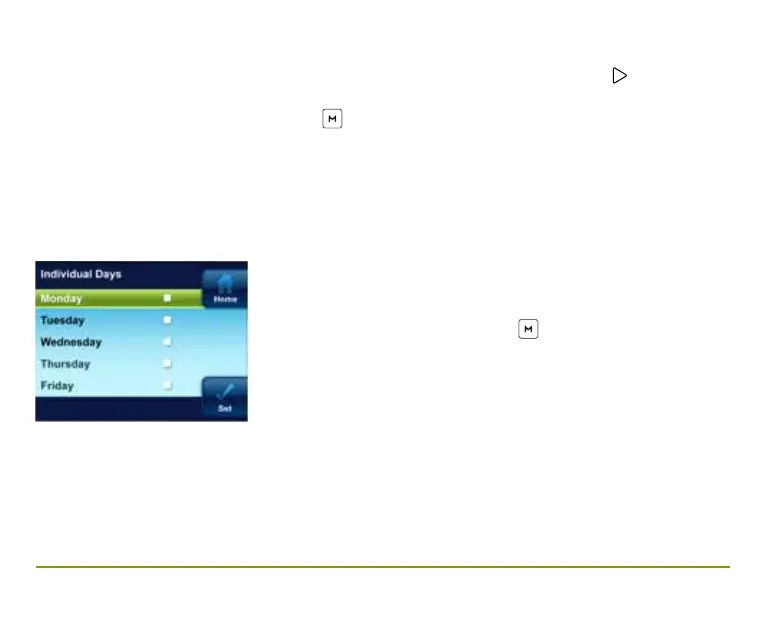
Using Individual Days allows you to change
the program settings of a single day or days.
Highlight a day and press
to mark the
box. Mark additional days you wish to have
programmed the same. Press Set to begin
entering the program for the selected day or
days.



 To Next Page