EasyManua.ls Logo

Comm-Tec DaisyNET II - Alias Name Setting; Daisy-chain Sequence Setup

Comm-Tec DaisyNET II
43 pages
Print Icon
To Next Page IconTo Next Page
To Previous Page IconTo Previous Page
Loading...
24
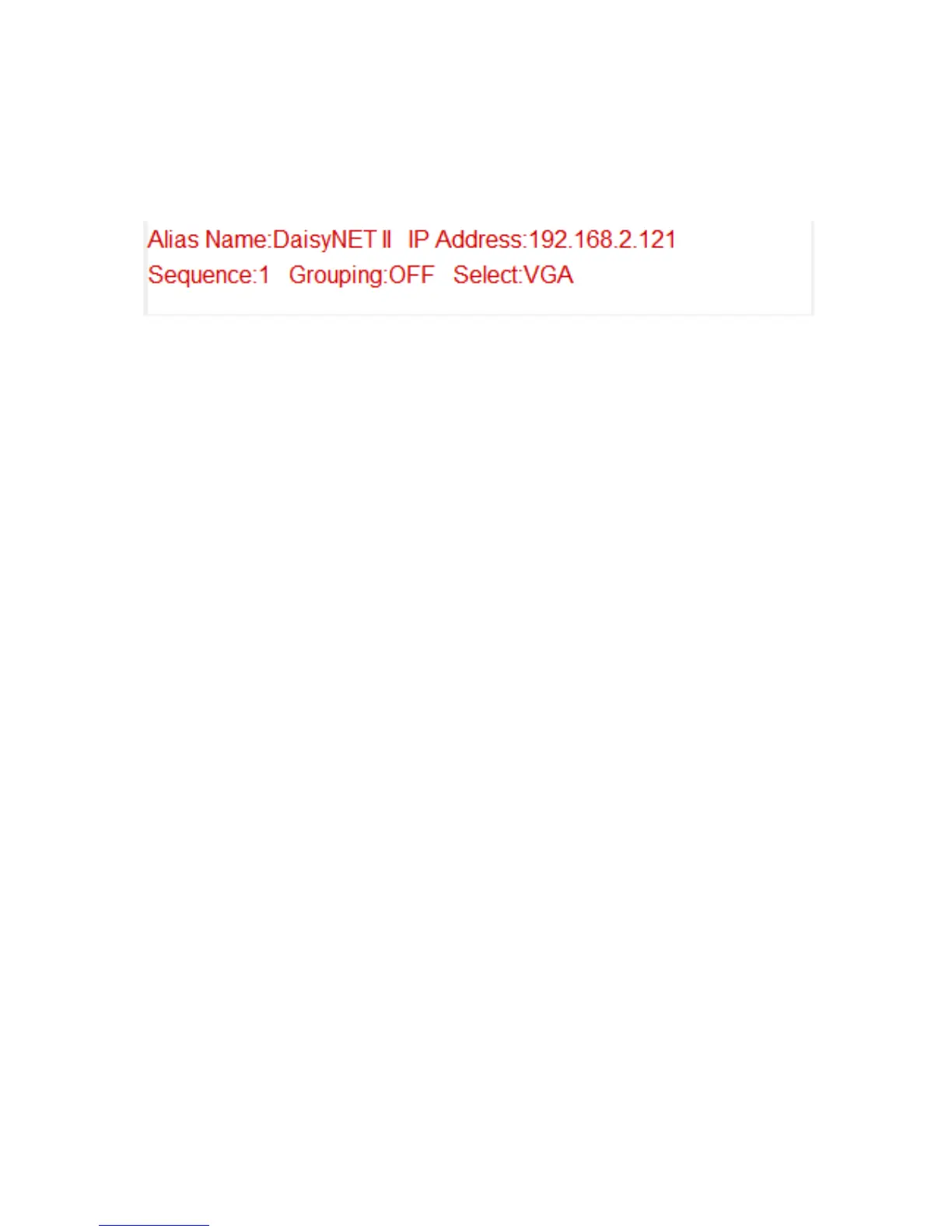
Click the device icon, it displays the alias name, IP address,
sequence, Grouping and input source of the DaisyNET II.
Note:
Mode False represents the DaisyNET II not working in group
mode.
Mode True represents DaisyNET II working in group mode.

Other manuals for Comm-Tec DaisyNET II