23
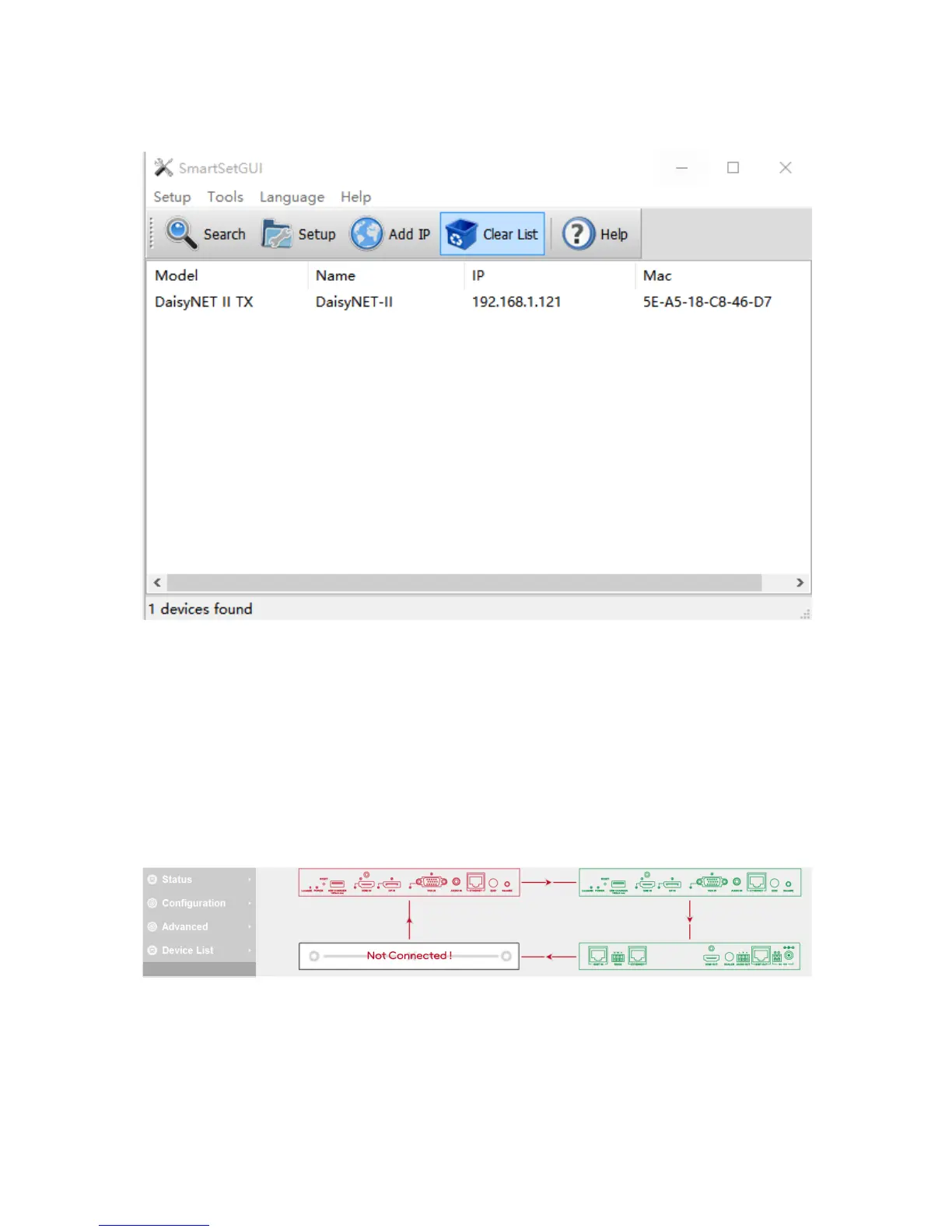
will display the new IP address.
WEB GUI Introduction
The WEB GUI contains three sub-menu: Status, Configuration and
Advanced.
Status
This sub-menu displays the current status of DaisyNET II.
Device in red represents DaisyNET II working in Show Me mode.
Device in green represents DaisyNET II connecting in the chain but
not working in Show Me mode.
Device in black represents not connecting in the chain.


 To Next Page