34
Advanced
This sub-menu is used to perform the following tasks:
Welcome Menu
Password
System
Firmware
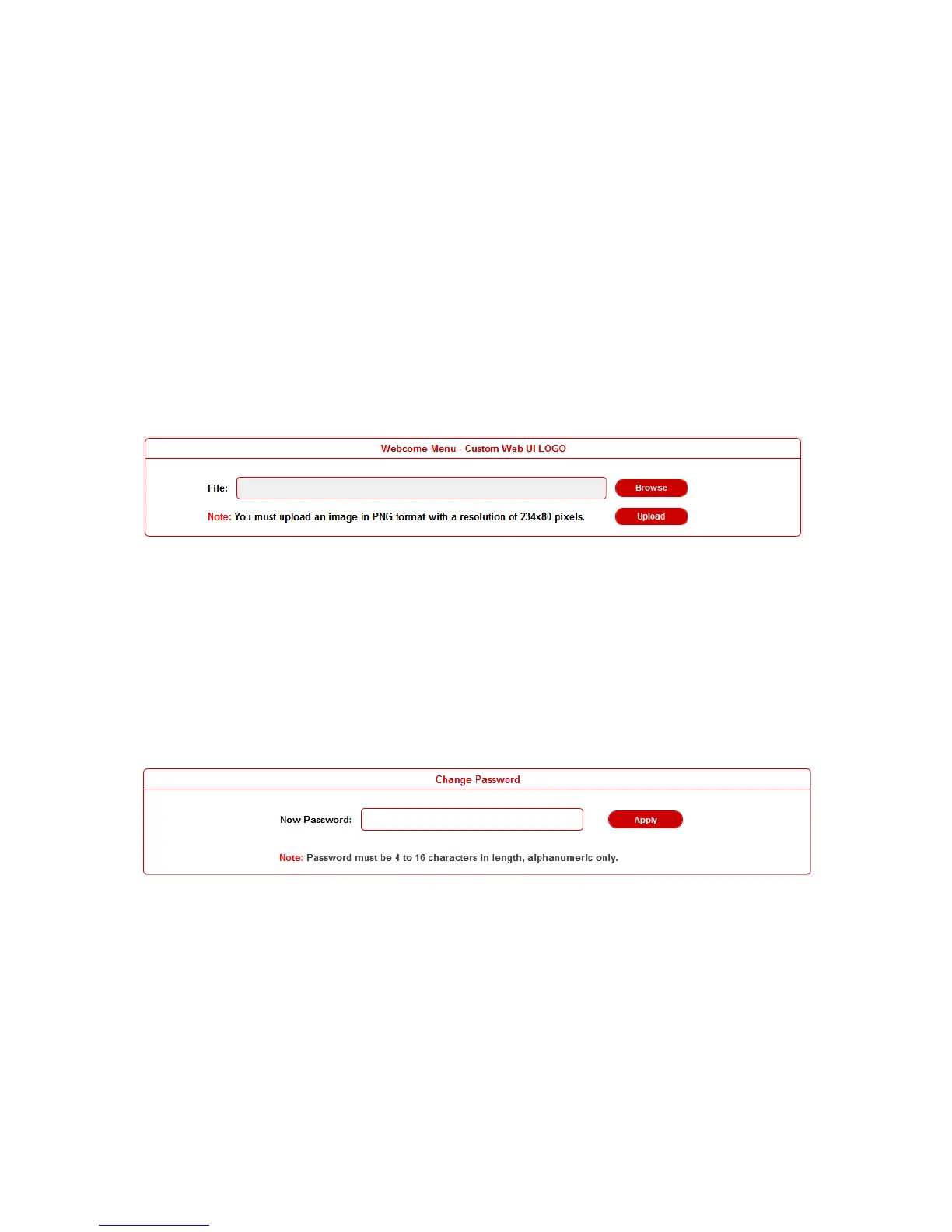
Welcome Menu
User can change the WEB GUI logo if they need. click Browse
button to browse the Logo file, and then click Upload button.
Note: You must upload an image in PNG format with a resolution
of 234x80 pixels.
Password
Input a new login password, click Apply button to save the change.
Note: Password must be 4 to 16 characters in length, alphanumeric
only.


 To Next Page