5. How to input Password
9
<Caution>
Please do not keep the factory default password. New password setting
after the installation is strongly recommended.
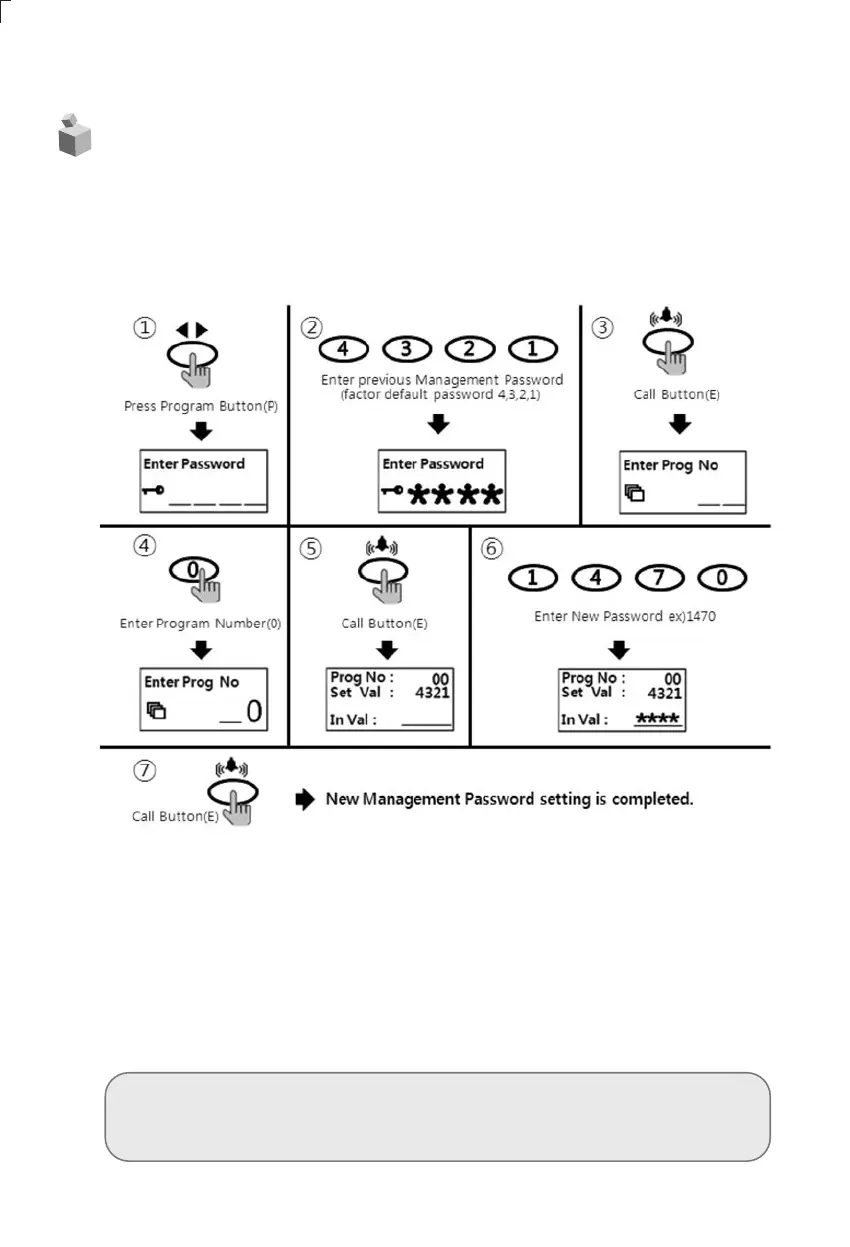
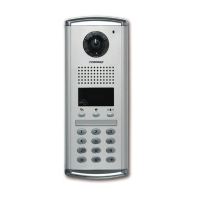
5-1. Press management Password
• P - old Password - E - New Password - E
• Password must be 4 digits.
• "0000", "1234", "4321" can't be used as Password
① Press program button (P).
② Press old management default Password (4,3,2,1).
③ Press call button (E).
④ Press "0" (Set up management Password button)
⑤ Press call button (E).
⑥ Press new Password.
⑦ Press call button (E).
⑧ Management Password has been changed.



 To Next Page