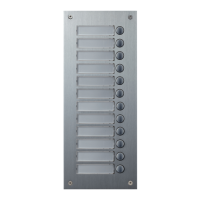
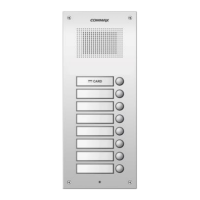
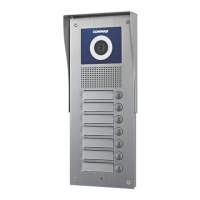
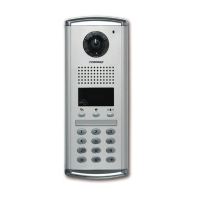
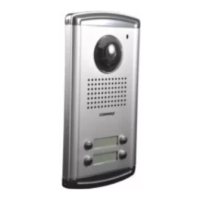
7. Set building Number and ID to Lobby panel
13
• This setting is mandatory because building Number and ID automatically are set up when
lobby panel call house and security guard.
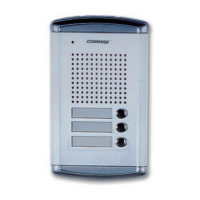
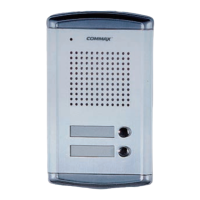
• Max. 99 lobby panel can be installed for one building.
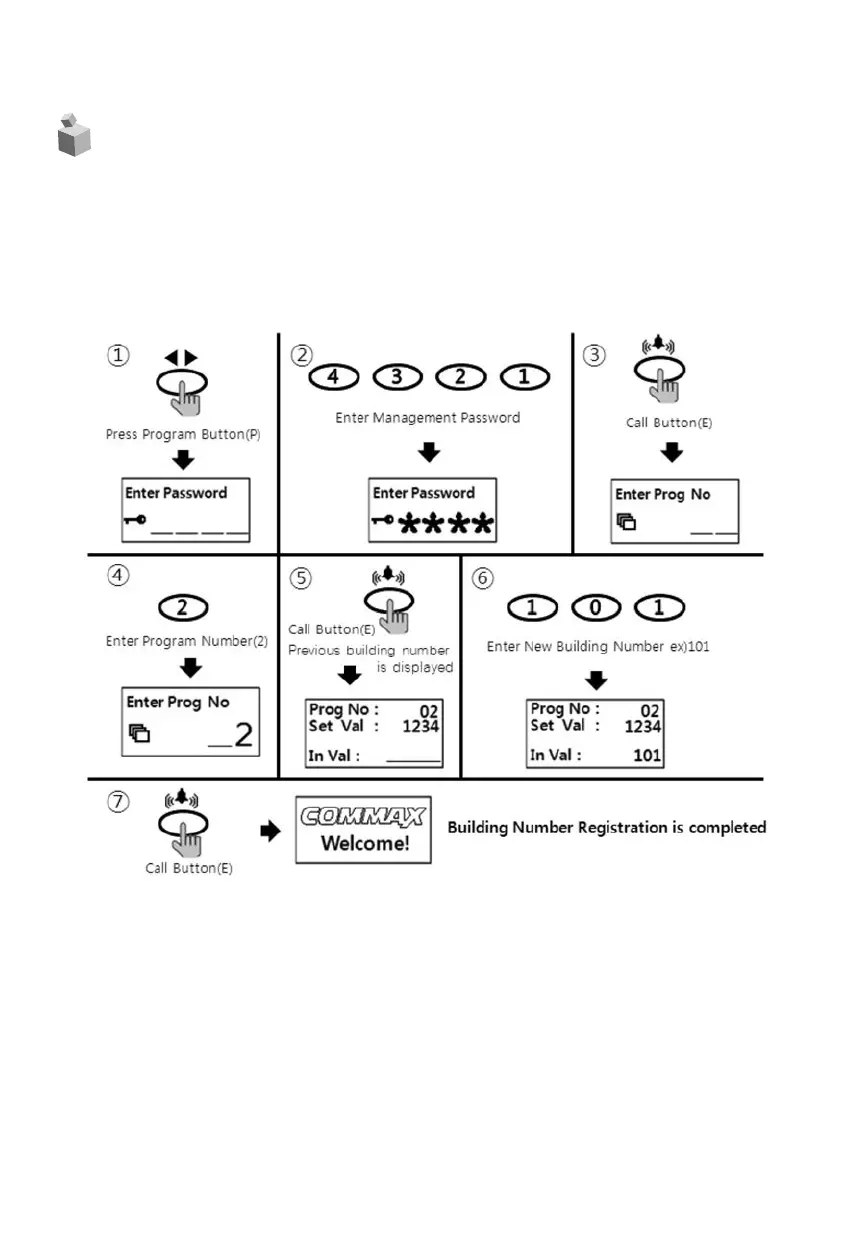
7-1. Set building Number in Lobby panel interphone.
• P - Management Password - E - 2 - E - Building Number - E
① Press program button (P).
② Press management Password.
③ Press call button (E).
④ Press "2" (Set building Number function key)
⑤ Press call button (E).
⑥ Press new building Number
⑦ Press call button (E).
⑧ Building Number has been changed.



 To Next Page