37
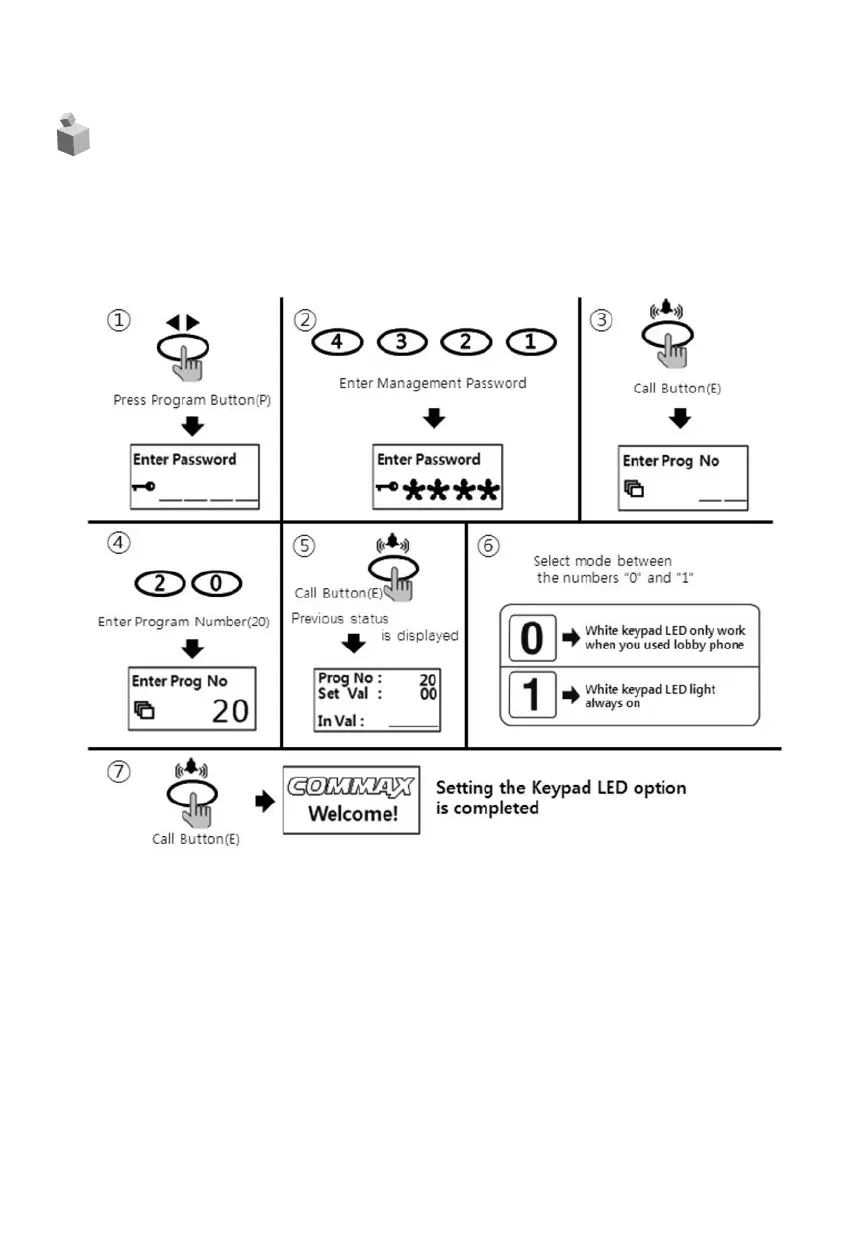
21. Setting the Keypad LED Option
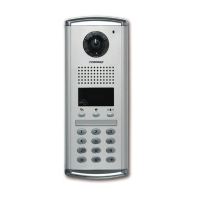
• P – Management Password – E – 20 – 0 – E : Keypad LED OFF
• P – Management Password – E – 20 – 1 – E : Keypad LED ON
• This function to set keypad LED ON/OFF.
① Press the program button (P).
② Please set up the Management password.
③ Press the call button (E).
④ Press number “20” (setting number of Electronic key)
⑤ Press the call button (E).
⑥ Select mode by numbers “0” or “1”.
(0 : White keypad LED light only work when you used lobby phone)
(1 : White keypad LED light always on)
⑦ Press the call button (E).(It will be changed)



 To Next Page