14
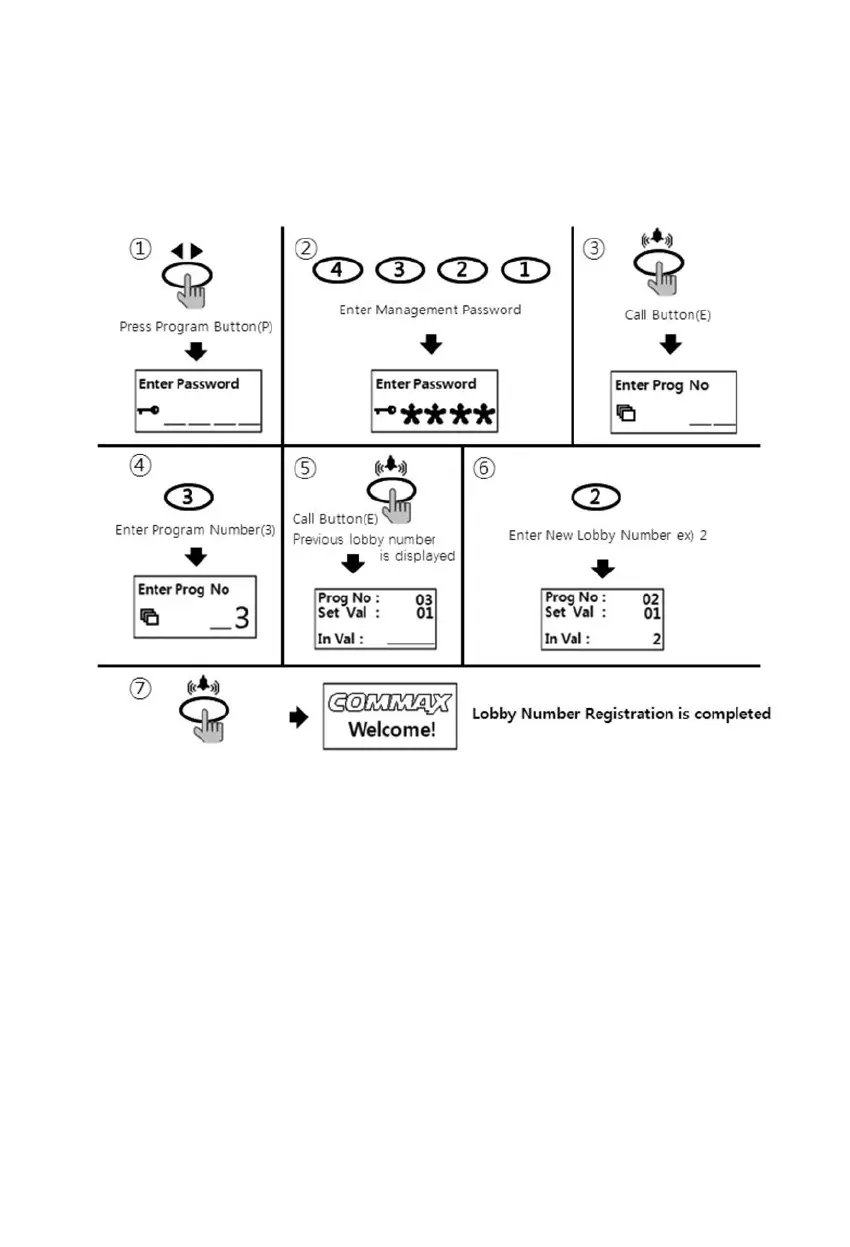
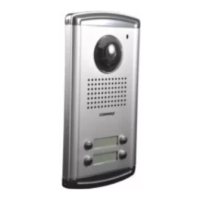
7-2. Set ID no. in Lobby Panel
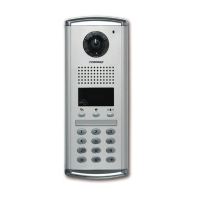
• P - Management Password - E - 3 - E - ID - E
① Press program button (P).
② Press management Password.
③ Press call button (E).
④ Press "3" (Set ID Number function key)
⑤ Press call button (E).
⑥ Press new ID Number
⑦ Press call button (E).
⑧ ID Number has been changed.



 To Next Page