EasyManua.ls Logo

Commodore A 2091-40 - Page 16

Commodore A 2091-40
75 pages
Print Icon
To Next Page IconTo Next Page
To Previous Page IconTo Previous Page
Loading...
3-10
:
Installing
the
A2091-40/A2091
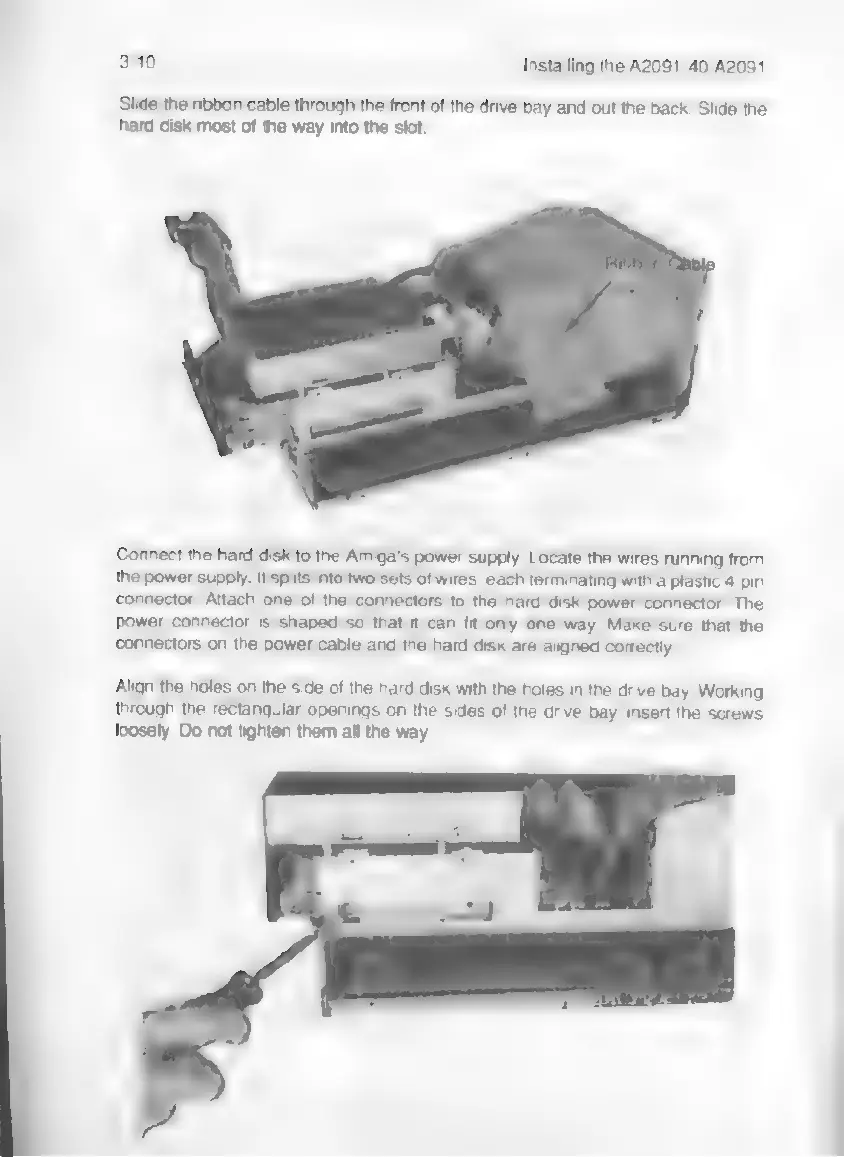
Slide
the
ribbon
cable
through
the
front
of
the
drive
bay
and
out
the
back.
Slide
the
hard
disk
most
of
the
way
into
the
slot.
Connect
the
hard
disk
to
the
Amiga's
power
supply.
Locate
the
wires
running
from
the
power
supply.
It
splits
into
two
sets
of
wires,
each
terminating
with
a
plastic
4-pin
connector.
Attach
one
of
the
connectors
to
the
hard
disk
power
connector.
The
power
connector
is
shaped
so
that
it
can
fit
only
one
way.
Make
sure
that
the
connectors
on
the
power
cable
and
the
hard
disk
are
aligned
correctly.
Align
the
holes
on
the
side
of
the
hard
disk
with
the
holes
in
the
drive
bay.
Working
through
the
rectangular
openings
on
the
sides
of
the
drive
bay,
insert
the
screws
loosely.
Do
not
tighten
them
all
the
way.