EasyManua.ls Logo

Commodore A 2091-40 - Page 17

Commodore A 2091-40
75 pages
Print Icon
To Next Page IconTo Next Page
To Previous Page IconTo Previous Page
Loading...
Installing
the
A2091-40/A2091
_
a
if
your
hard
disk
does
not
have
a
front
cover
with
a
drive
light
(LED),
slide
the
drive
to
the
back
of
the
drive
bay
and
tighten
the
screws.
if
your
hard
disk
does
have
a
front
cover
with
an
LED,
you
will
need
to
remove
the
plastic
faceplate
on
the
Amiga's
cover
that
covers
the
5.25"
drive
bay.
Remove
the
two
screws
that
hold
the
faceplate
in
place,
and
then
remove
the
faceplate.
You
should
be
able
to
slide
the
hard
disk
back
and
forth
to
make
sure
that
the
hard
disk
is
flush
with
the
front
cover
of
the
Amiga.
Push
the
hard
disk
forward,
and
replace
the
Amiga's
cover.
If
the
disk
drive
is
not
flush
with
the
face
of
the
Amiga,
slide
it
into
place.
Remove
the
Amiga's
cover
and
tighten
the
screws
holding
the
hard
disk
in
place.
4.
Set
the
jumper
pins
on
the
A2091
If
you
are
running
Kickstart
1.2
on
your
Amiga,
you
will
have
to
set
Jumper
2
to
Autoboot
disabled,
M
you
are
installing
a
Seagate
hard
disk,
refer
to
Appendix
C
to
determine
the
correct
settings
for
Jumper
5.
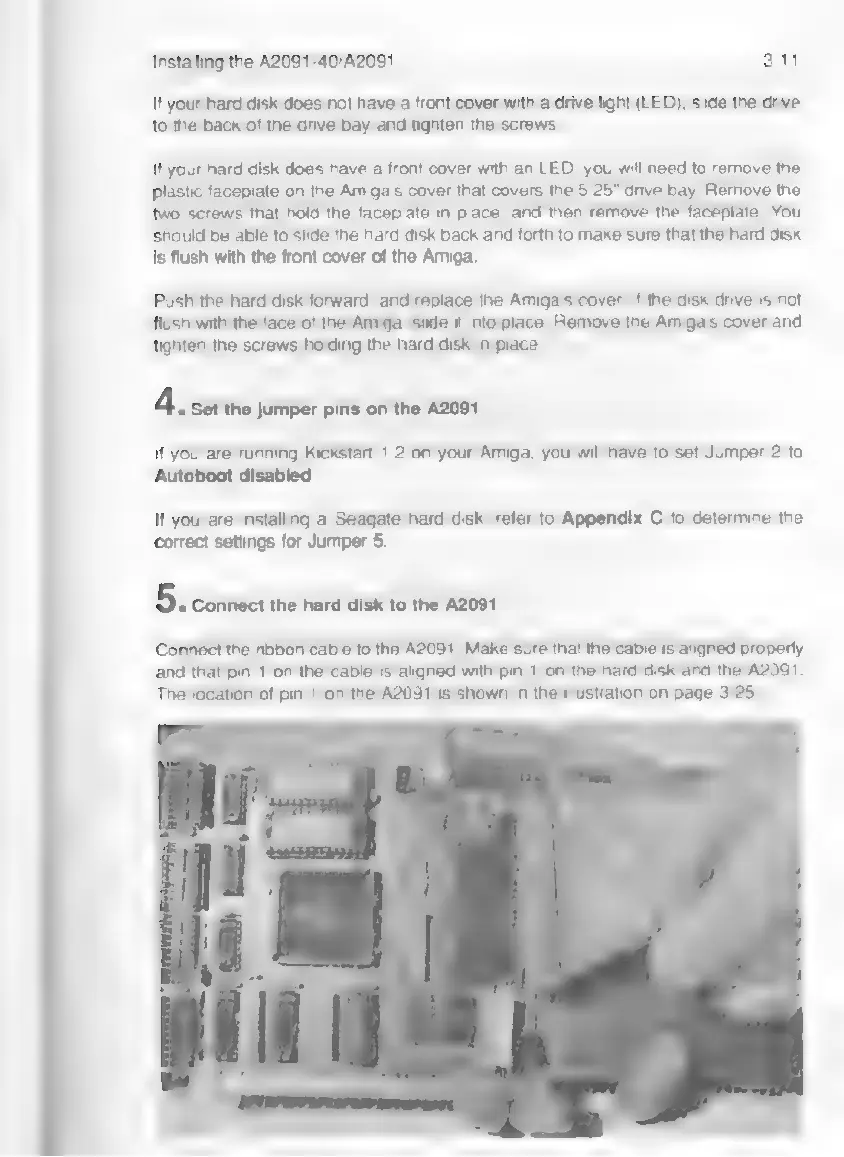
5.
connect
the
hard disk
to
the
A2091
Connect
the
ribbon
cable
to
the
A2091.
Make
sure
that
the
cable
is
aligned
properly
and
that
pin
1
on
the
cable
is
aligned
with
pin
1
on
the
hard
disk
and
the
A2091.
The
location
of
pin
1
on
the
A2091
is
shown
in
the
illustration
on
page
3-25.