EasyManua.ls Logo

Commodore A 2091-40 - Page 43

Commodore A 2091-40
75 pages
Print Icon
To Next Page IconTo Next Page
To Previous Page IconTo Previous Page
Loading...
The
A2091
Installation
Software
Disk
5-7
RAM
Test
Z)
This
program
tests
any
RAM
chips
installed
on
the
A2091
card
to
make
sure
that
the
chips
are
installed
properly
and
are
functioning
correctly.
Your
A2091
was
tested
with
two
megabytes
of
RAM
at
the
factory
before
it
was
shipped.
Double-click
on
the
RAM
Test
icon.
The
system
will
display
the
memory
expansion
sockets
of
the
A2091,
fully
populated
with
two
megabytes
of
RAM
chips.
The
system
will
also
display
the
Status
window
and
the
Result
window.
The
Status
window
displays
the
section
of
RAM
being
tested.
The
Result
window
diplays
the
A2091
card
being
tested
and
the
size
of
available
memory
on
the
card.
This
window
will
display
any
failure
messages.
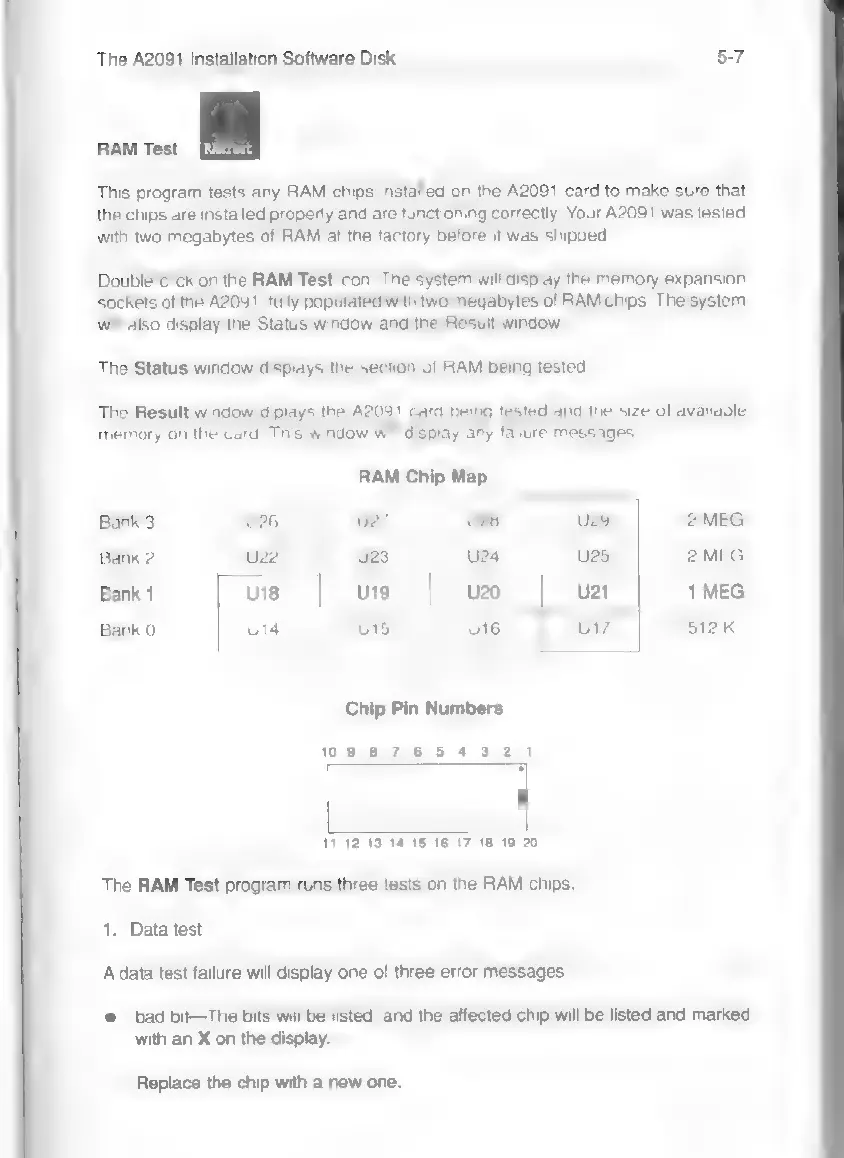
RAM
Chip
Map
Banka
|
U26
u27
|
U28
|
u
|
2MEG
Bank
2
uz
|
uss
|
ua
u25
2
MEG
Bank
1
us
|
u9
u20
u21
1
MEG
Bank
0
ua
|
us
|
ue
u17
512K
Chip
Pin
Numbers
0987654321
4
11
12 13
14
15 16
17 18 19
20
The
RAM
Test
program
runs
three
tests
on
the
RAM
chips:
1.
Data
test
A
data
test
failure
will
display
one
of
three
error
messages:
©
bad
bit—The
bits
will
be
listed,
and
the
affected
chip
will
be
listed
and
marked
with
an
X
on
the
display.
Replace
the
chip
with
a
new
one.