EasyManua.ls Logo

Commodore A 2091-40 - Page 46

Commodore A 2091-40
75 pages
Print Icon
To Next Page IconTo Next Page
To Previous Page IconTo Previous Page
Loading...
5-10
The
A2091
Installation
Software
Disk
5.3.1
Hard
Drive
Preparation,
Partitioning
and
Formatting
Hard
Drive
Preparation,
Partitioning
and
Formatting
-
Version
1.1
=
+
Partition
Drive
|
Verify
Data
on
Drive
|
tov-Level
Fornat
Drive]
Save
Changes
to
Drive
|
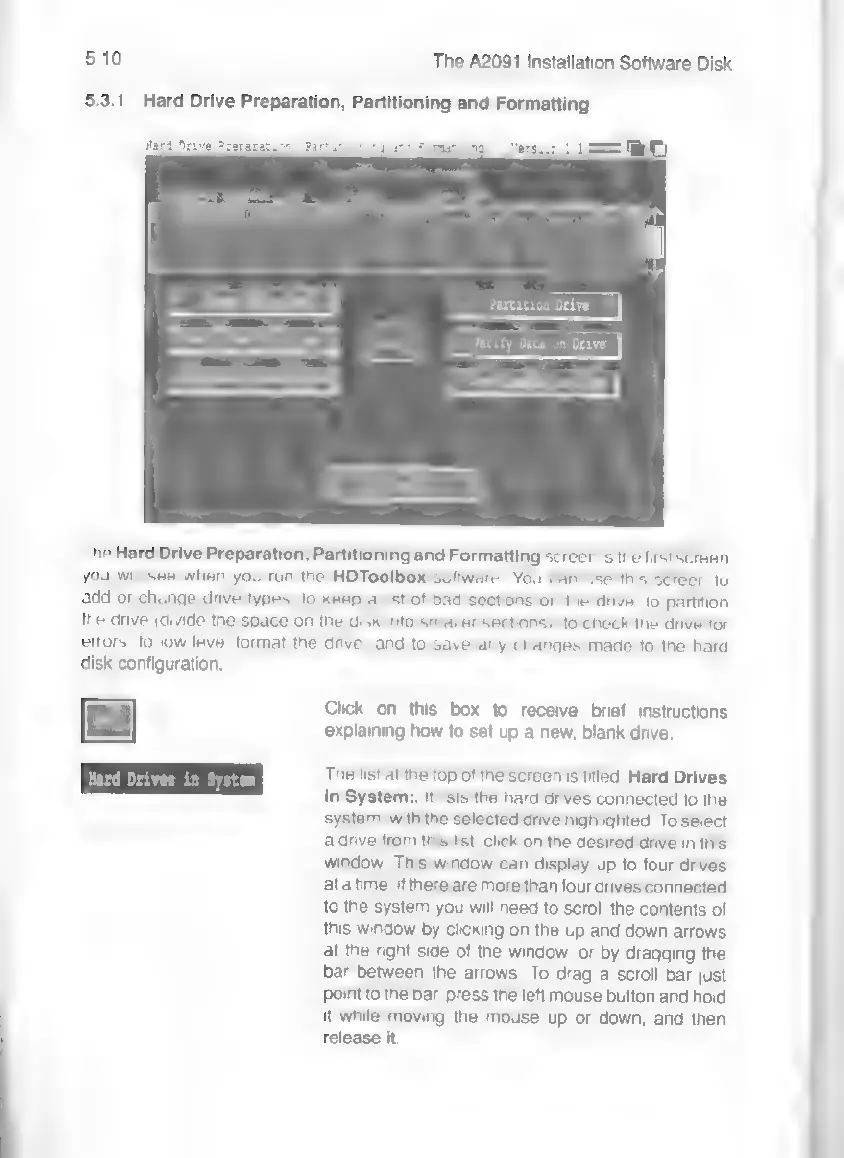
The
Hard
Drive
Preparation,
Partitioning
and
Formatting
screen
is
the
first
screen
you
will
see
when
you
run
the
HDToolbox
software.
You
can
use
this
screen
to
add
or
change
drive
types,
to
keep
a
list
of
bad
sections
on
the
drive,
to
partition
the
drive
(divide
the
space
on
the
disk
into
smaller
sections),
to
check
the
drive
for
errors,
to
low-level
format
the
drive,
and
to
save
any
changes
made
to
the
hard
disk
configuration.
Click
on
this
box
to
receive
brief
instructions
explaining
how
to
set
up
a
new,
blank
drive.
The
list
at
the
top
of
the
screen
is
titled:
Hard
Drives
in
System.
It
lists
the
hard
drives
connected
to
the
system,
with
the
selected
drive
highlighted.
To
select
a
drive
from
this
list,
click
on
the
desired
drive
in
this
window.
This
window
can
display
up
to
four
drives
ata
time.
If
there
are
more
than
four
drives
connected
to
the
system
you
will
need
to
scroll
the
contents
of
this
window
by
clicking
on
the
up
and
down
arrows
at
the
right
side
of
the
window,
or
by
dragging
the
bar
between
the
arrows.
To
drag
a
scroll
bar
just
point
to
the
bar,
press
the
left
mouse
button
and
hold
it
while
moving
the
mouse
up
or
down,
and
then
release
it.