EasyManua.ls Logo

Commodore A 2091-40 - Page 50

Commodore A 2091-40
75 pages
Print Icon
To Next Page IconTo Next Page
To Previous Page IconTo Previous Page
Loading...
5-14
The
A2091
Installation
Software
Disk
5.3.2
Change
Drive
Type
Set
Drive
Lu]
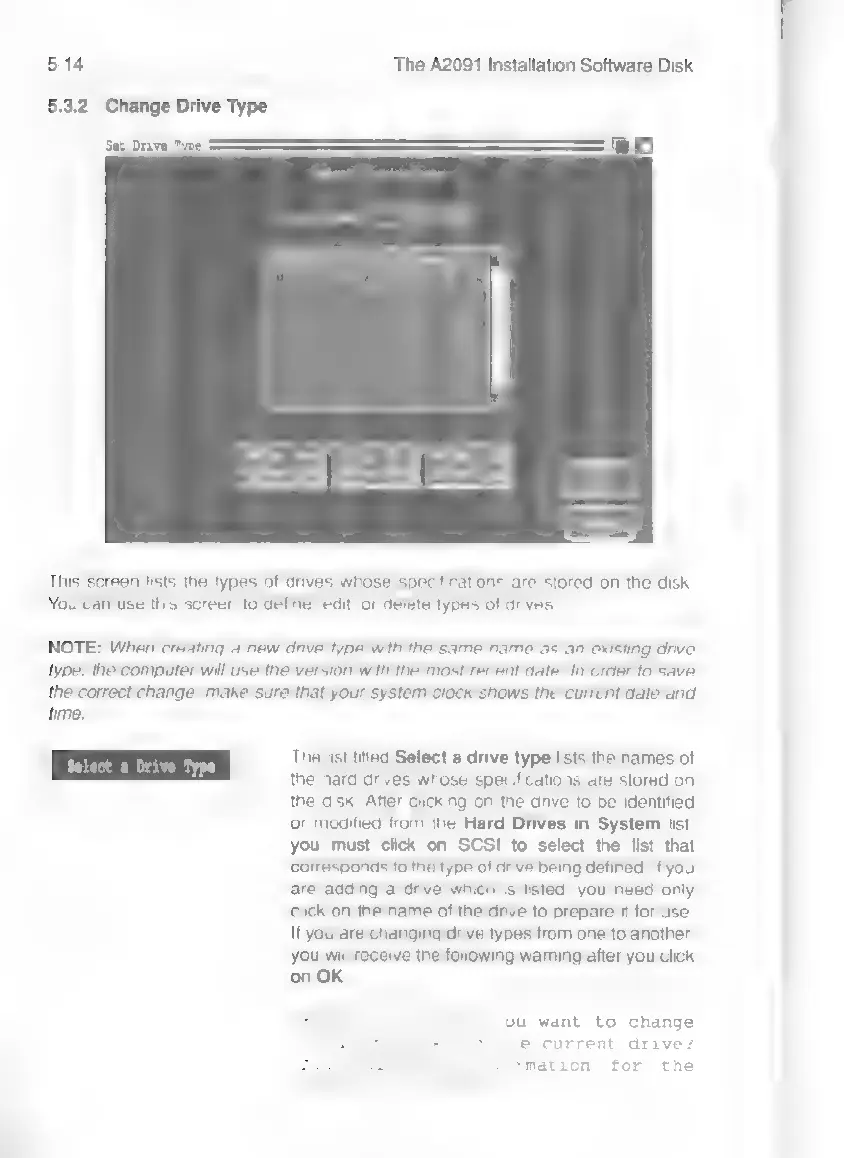
This
screen
lists
the
types
of
drives
whose
specifications
are
stored
on
the
disk.
You
can use
this
screen
to
define,
edit,
or
delete
types
of
drives.
NOTE:
When
creating
a
new
drive
type
with
the
same
name
as
an
existing
drive
type,
the
computer
will
use
the
version
with
the
most
recent
date.
In
order
to
save
the
correct
change,
make
sure
that
your
system
clock
shows
the
current
date
and
time.
The
list
titled
Select
a
drive
type
lists
the
names
of
the
hard
drives
whose
specifications
are
stored
on
the
disk.
After
clicking
on
the
drive
to
be
identified
or
modified
from
the
Hard
Drives
in
System
list,
you
must
click
on
SCSI
to
select
the
list
that
corresponds
to
the
type
of
drive
being
defined.
If
you
are
adding
a
drive
which
is
listed,
you
need
only
click
on
the
name
of
the
drive
to
prepare
it
for
use.
If
you
are
changing
drive
types
from
one
to
another,
you
will
receive
the
following
waming
after
you
click
on
OK
ou
want
to
change
e
current
drive?
mation
for
the
EDs.