EasyManua.ls Logo

Commodore A 2091-40 - Page 55

Commodore A 2091-40
75 pages
Print Icon
To Next Page IconTo Next Page
To Previous Page IconTo Previous Page
Loading...
The
A2091
Installation
Software
Disk
5-19
To
delete
a
block
from
this
list,
click
on
the
block
to
be
deleted.
That
block
will
be
highlighted
to
show
that
it
is
selected.
Click
on
Delete
Bad
Block.
Click
on
OK
to
retain
your
changes
and
return
to
the
Hard
Drive
Preparation,
Partitioning
and
Formatting
screen.
Click
on
Save
Changes
to
Drive.
Click
on
Cancel
to
return
to
the
Hard
Drive
Preparation,
Partitioning
and
Formatting
screen
without
retaining
your
changes.
5.3.5
Partitioning
Partitioning
Pari
rive
ST
Address
6,
LUN
0
=
Unused
E
eg
Delete
Partition]
[Default
Setup
Name
F
ten:
Fast
File
Systen
Cancel
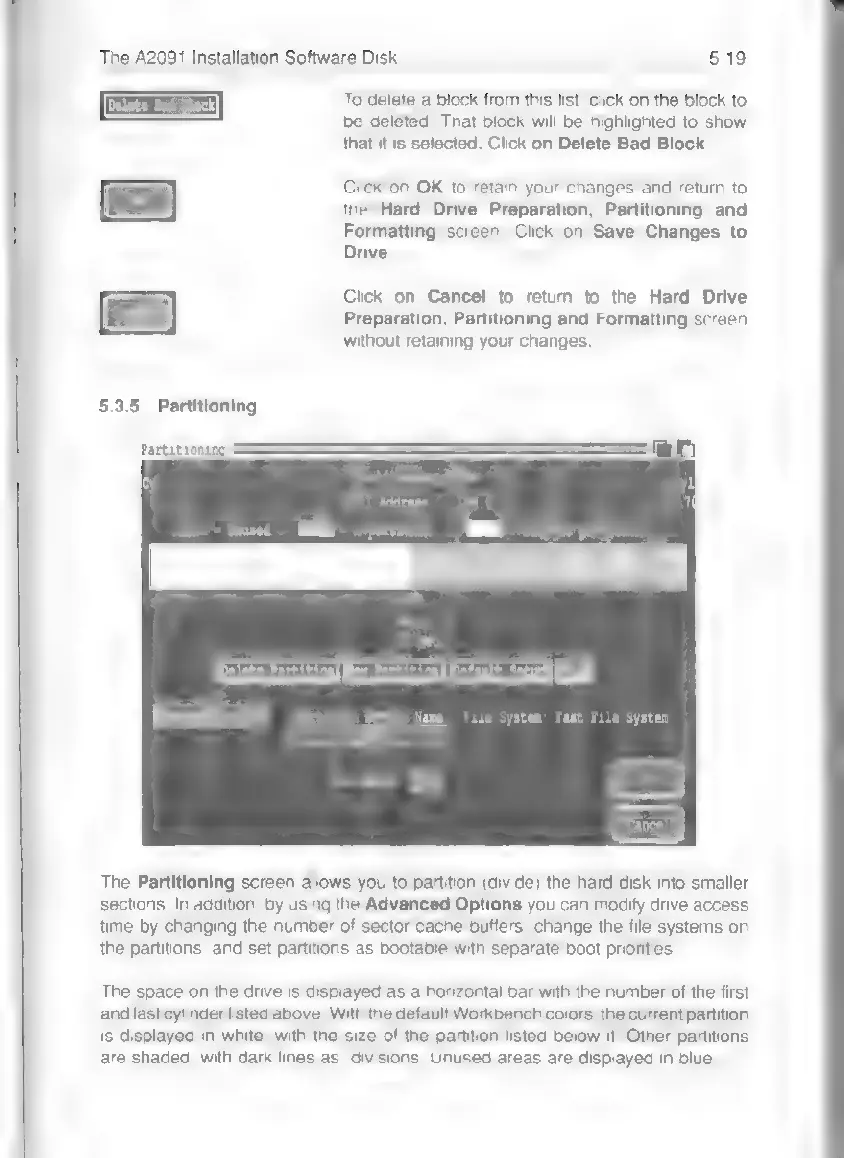
The
Partitioning
screen
allows
you
to
partition
(divide)
the
hard
disk
into
smaller
sections.
In
addition,
by
using
the
Advanced
Options
you
can
modify
drive
access
time
by
changing
the
number
of
sector
cache
buffers,
change
the
file
systems
on
the
partitions,
and
set
partitions
as
bootable
with
separate
boot
priorities.
The
space
on
the
drive
is
displayed
as
a
horizontal
bar
with
the
number
of
the
first
and
last
cylinder
listed
above.
With
the
default
Workbench
colors,
the
current
partition
is
displayed
in
white,
with
the
size
of
the
partition
listed
below
it.
Other
partitions
are
shaded,
with
dark
lines
as
divisions.
Unused
areas
are
displayed
in
blue.