EasyManua.ls Logo

Commodore A 2091-40 - Page 54

Commodore A 2091-40
75 pages
Print Icon
To Next Page IconTo Next Page
To Previous Page IconTo Previous Page
Loading...
5-18
The
A2091
Installation
Software
Disk
5.3.4
Bad
Blocks
B
oo
===
|
UU
nder
Head
Add
Bad
B.
)
Bad
Block]
s
mapped
out
b
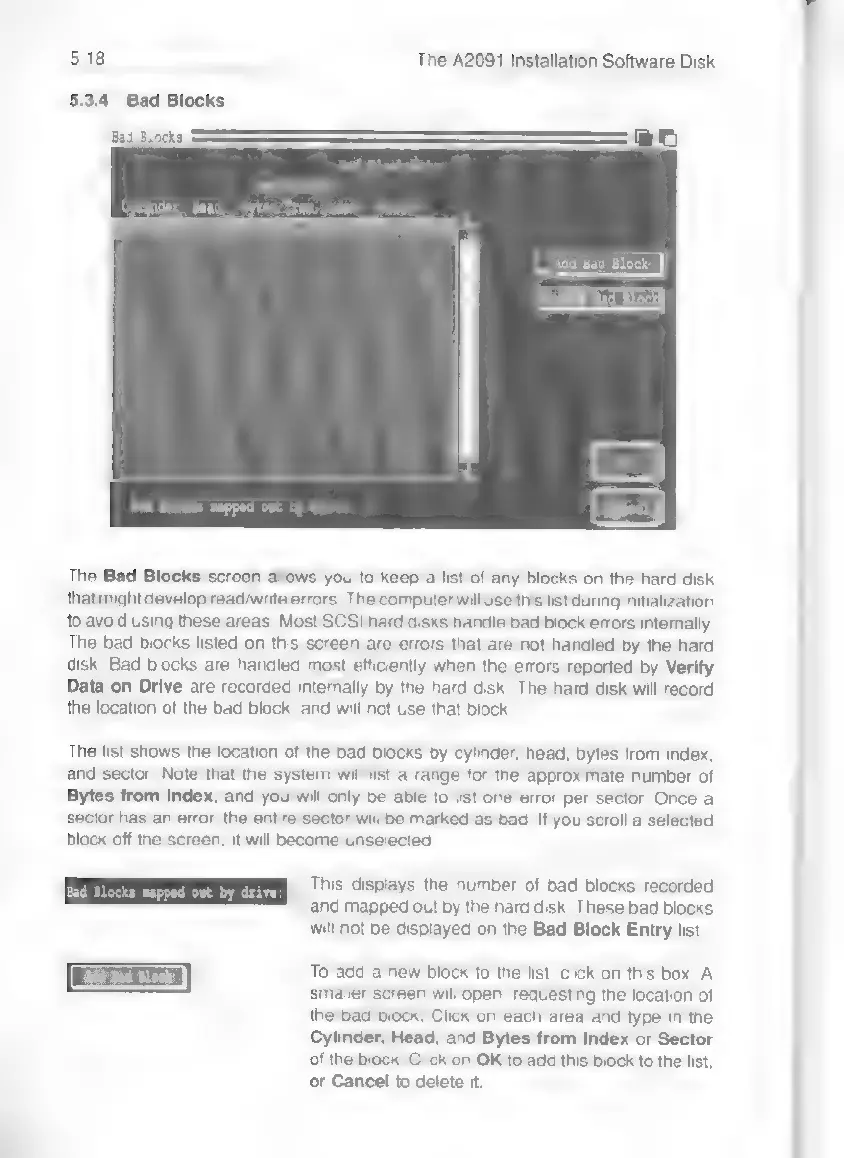
The
Bad
Blocks
screen
allows
you
to
keep
a
list
of
any
blocks
on
the
hard
disk
that
might
develop
read/write
errors.
The
computer
will
use
this
list
during
initialization
to
avoid
using
these
areas.
Most
SCSI
hard
disks
handle
bad
block
errors
internally.
The
bad
blocks
listed
on
this
screen
are
errors
that
are
not
handled
by
the
hard
disk.
Bad
blocks
are
handled
most
efficiently
when
the
errors
reported
by
Verify
Data
on
Drive
are
recorded
internally
by
the
hard
disk.
The
hard
disk
will
record
the
location
of
the
bad
block,
and
will
not
use
that
block
The
list
shows
the
location
of
the
bad
blocks
by
cylinder,
head,
bytes
from
index,
and
sector.
Note
that
the
system
will
list
a
range
tor
the
approximate
number
of
Bytes
from
Index,
and
you
will
only
be
able
to
list
one
error
per
sector.
Once
a
sector
has
an
error,
the
entire
sector
will
be
marked
as
bad.
If
you
scroll
a
selected
block
off
the
screen,
it
will
become
unselected.
This
displays
the
number
of
bad
blocks
recorded
and
mapped
out
by
the
hard
disk,
These
bad
blocks
will
not
be
displayed
on
the
Bad
Block
Entry
list.
To
add
a
new
block
to
the
list,
click
on
this
box.
A
smaller
screen
will
open,
requesting
the
location
of
the
bad
block.
Click
on
each
area
and
type
in
the
Cylinder,
Head,
and
Bytes
from
Index
or
Sector
of
the
block.
Click
on
OK
to
add
this
block
to
the
list,
or
Cancel
to
delete
it.