EasyManua.ls Logo

Commodore A 2091-40 - Page 62

Commodore A 2091-40
75 pages
Print Icon
To Next Page IconTo Next Page
To Previous Page IconTo Previous Page
Loading...
5-26
Update
The
A2091
Installation
Software
Disk
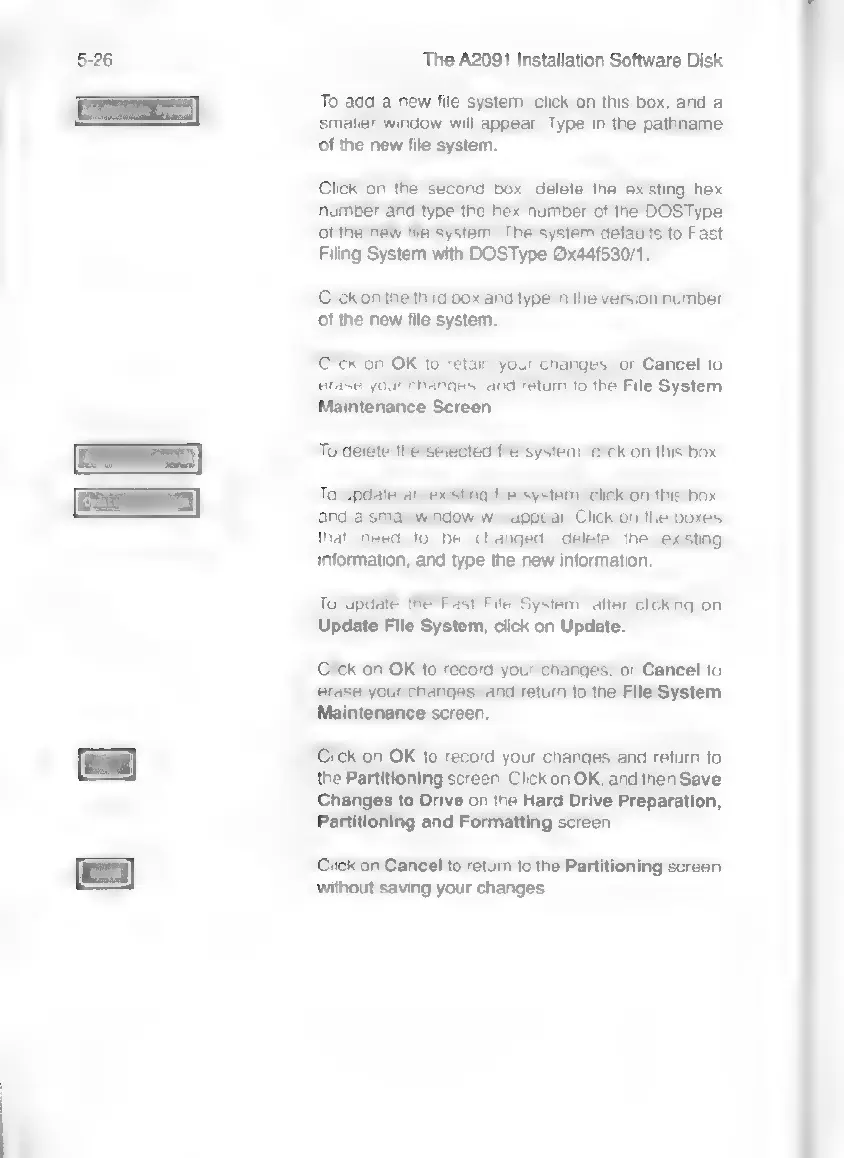
To
add
a
new
file
system,
click
on
this
box,
and
a
smaller
window
will
appear.
Type
in
the
pathname
of
the
new
file
system.
Click
on
the
second
box,
delete
the
existing
hex
number
and
type
the
hex
number
of
the
DOSType
of
the
new
fila
system.
The
system
defaults
to
Fast
Filing
System
with
DOSType
©x44f530/1.
Click
on
the
third
box
and
type
in
the
version
number
of
the
new
file
system.
Click
on
OK
to
retain
your
changes,
or
Cancel
to
erase
your
changes,
and
return
to
the
File
System
Maintenance
Screen.
To
delete
the
selected
file
system,
click
on
this
box.
To
update
an
existing
file
system,
click
on
this
box,
and
a small
window
will
appear.
Click
on
the
boxes
that
need
to
be
changed,
delete
the
existing
information,
and
type
the
new
information.
To
update
the
Fast
File
System,
after
clicking
on
Update
File
System,
click
on
Update.
Click
on
OK
to
record
your
changes,
or
Cancel
to
erase
your
changes,
and
return
to
the
File
System
Maintenance
screen.
Click
on
OK
to
record
your
changes
and
return
to
the
Partitioning
screen.
Click
on
OK,
and
then
Save
Changes
to
Drive
on
the
Hard
Drive
Preparation,
Partitioning
and
Formatting
screen.
Click
on
Cancel
to
retum
to
the
Partitioning
screen
without
saving
your
changes.