EasyManua.ls Logo

Commodore A 2091-40 - Page 61

Commodore A 2091-40
75 pages
Print Icon
To Next Page IconTo Next Page
To Previous Page IconTo Previous Page
Loading...
The
A2091
Installation
Software
Disk
5-25
This
is
the
number
of
blocks
reserved
at
the
end
of
the
selected
partition,
for
DOS
usage.
This
value
defaults
to
0.
Click
on
this
box
to
save
your
changes
and
return
to
the
Partitioning
screen.
Click
on
OK
to
return
to
the
Hard
Drive
Preparation,
Partitioning
and
Formatting
screen.
Click
on
this
box
to
return
the
Partitioning
screen
without
saving
your
changes.
5.3.7
File
System
Maintenance
File
System
Maintenance
Identifier
Add
New
File
System)
|
Delete
File
System
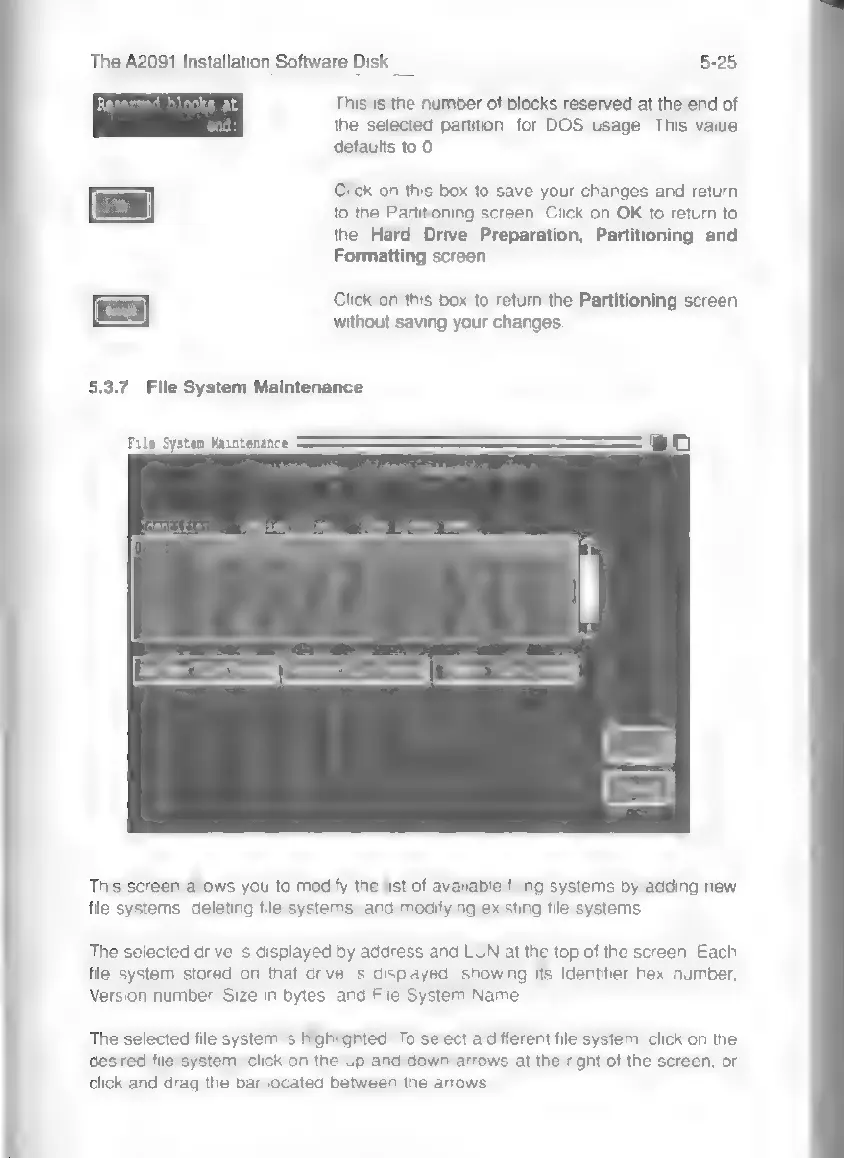
This
screen
allows
you
to
modify
the
list
of
available
filing
systems
by
adding
new
file
systems,
deleting
file
systems,
and
modifying
existing
file
systems.
The
selected
drive
is
displayed
by
address
and
LUN
at
the
top
of
the
screen.
Each
file
system
stored
on
that
drive
is
displayed,
showing
its
Identifier
hex
number,
Version
number,
Size
in
bytes,
and
File
System
Name.
The
selected
file
system
is
highlighted.
To
select
a
different
file
system,
click
on
the
desired
file
system,
click
on
the
up
and
down
arrows
at
the
right
of
the
screen,
or
click
and
drag
the
bar
located
between
the
arrows.