55ENGLISH
Starting up the robot vacuum cleaner
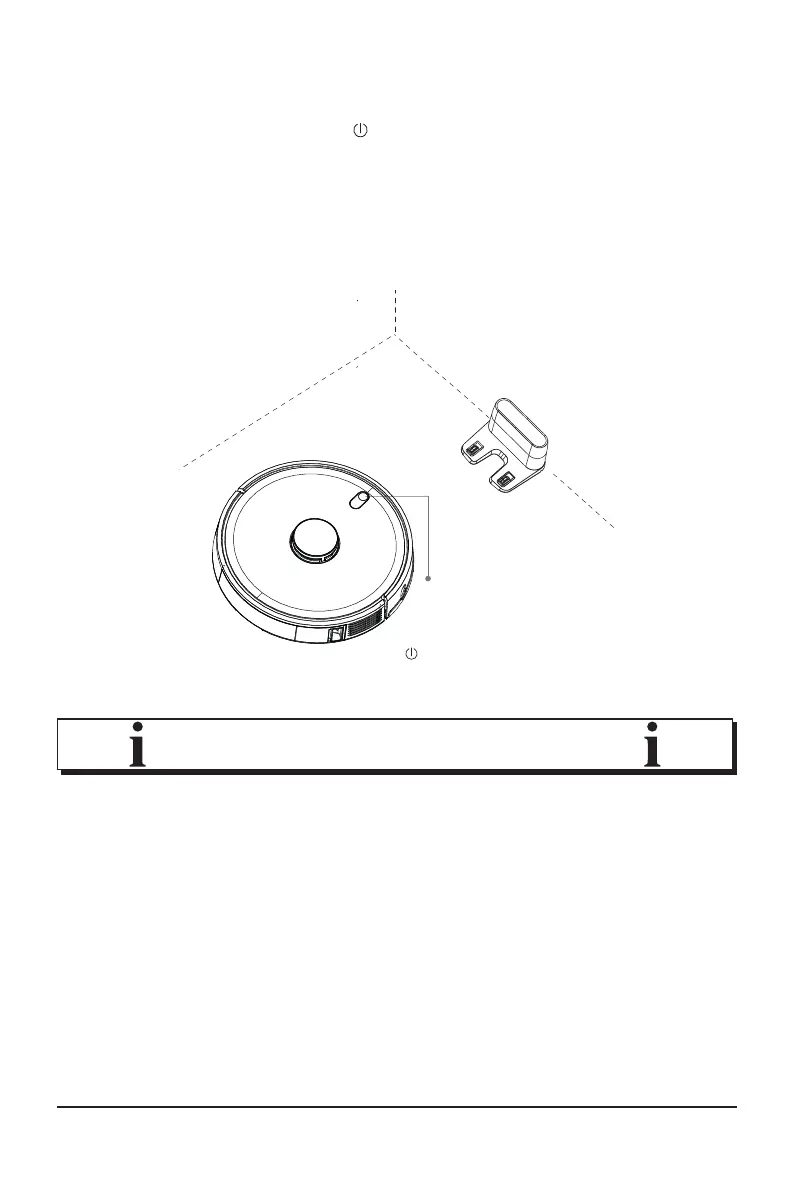
5. Press the power button for approx. 3 seconds.
6. Place the robot vacuum cleaner in front of the charging sta
-
tion.
7. Press the return button; the robot vacuum cleaner will auto
-
matically drive to the charging station.
NOTE!
During the charging process,
the light on the power button
will slowly pulse in yellow.
• You can also place the robot vacuum cleaner directly on the
charging station after switching it on.



 To Next Page