Basic troubleshooting
Enabling mobile 4G/3G connection
NOTE: Your terminal comes with both a Telstra and an Optus SIM card. If you do not have stable
Wi-Fi connection, you can use a mobile connection. The terminal will use the 4G/3G connection to
connect to CommBank.
To enable the mobile connection:
1. Ensure Wi-Fi is turned o
2. Mobile connection will be enabled automatically
3. If mobile connection does not come up, reboot terminal
4. Check mobile connection network (Telstra / Optus) at top left corner of terminal screen and
make sure you see:
• Vertical Bars indicating signal strength
• Telstra (Optus)
• 4G/3G
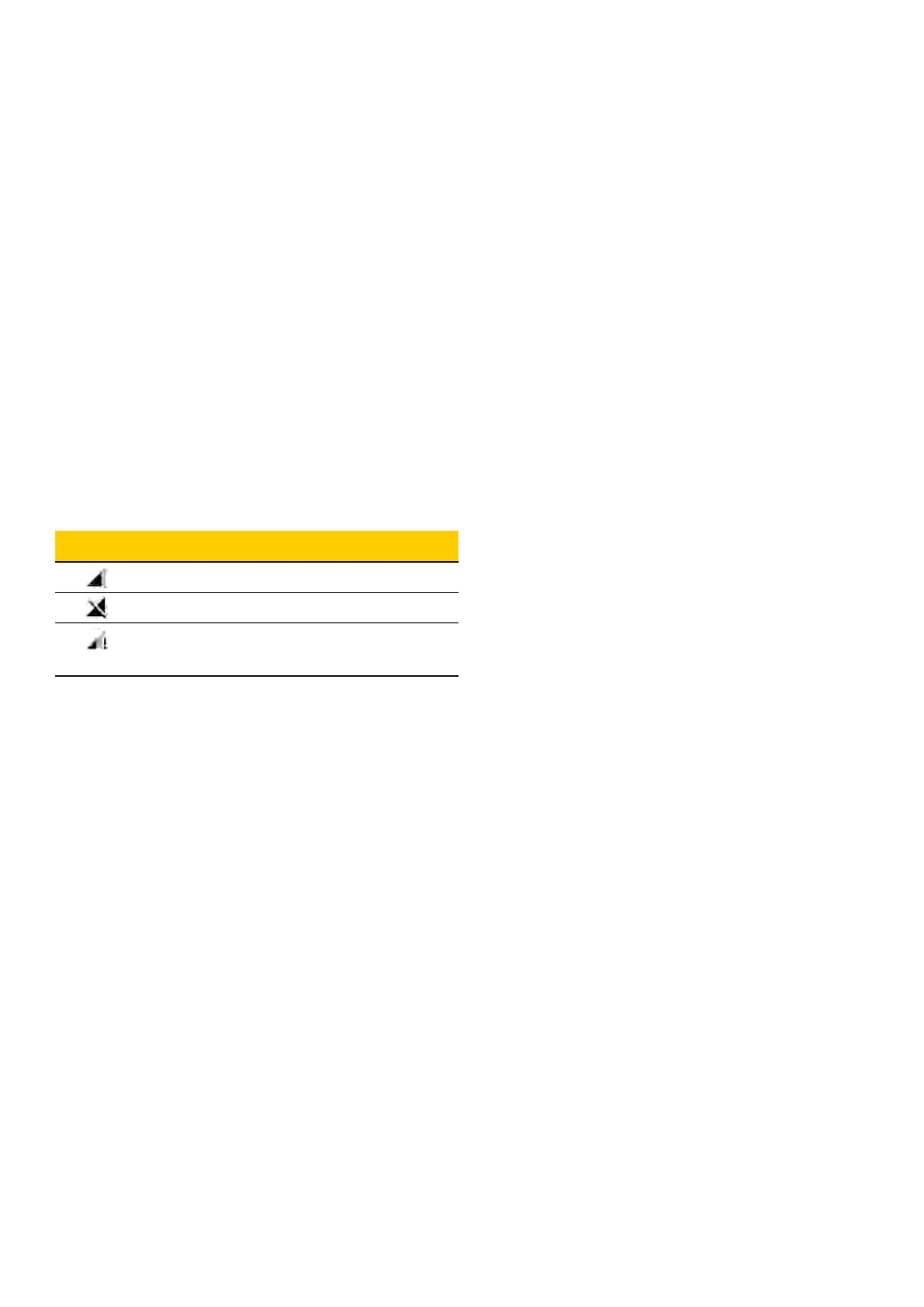
Cellular Description
Icon indicates strength of signal
Cellular is disabled
Cellular is connected but does not
have internet access
5. If any of the above-mentioned items are missing Smart terminal will not be able to transact
6. Follow next steps to switch between SIMs
30 Commonwealth Bank of Australia | Smart User Guide



 To Next Page