INS_CNFE2MC2C[/M]_REV–
01/18/12 PAGE 10
INSTALLATION AND OPERATION MANUAL CNFE2MC2C[/M]
Tech Support: 1.888.678.9427
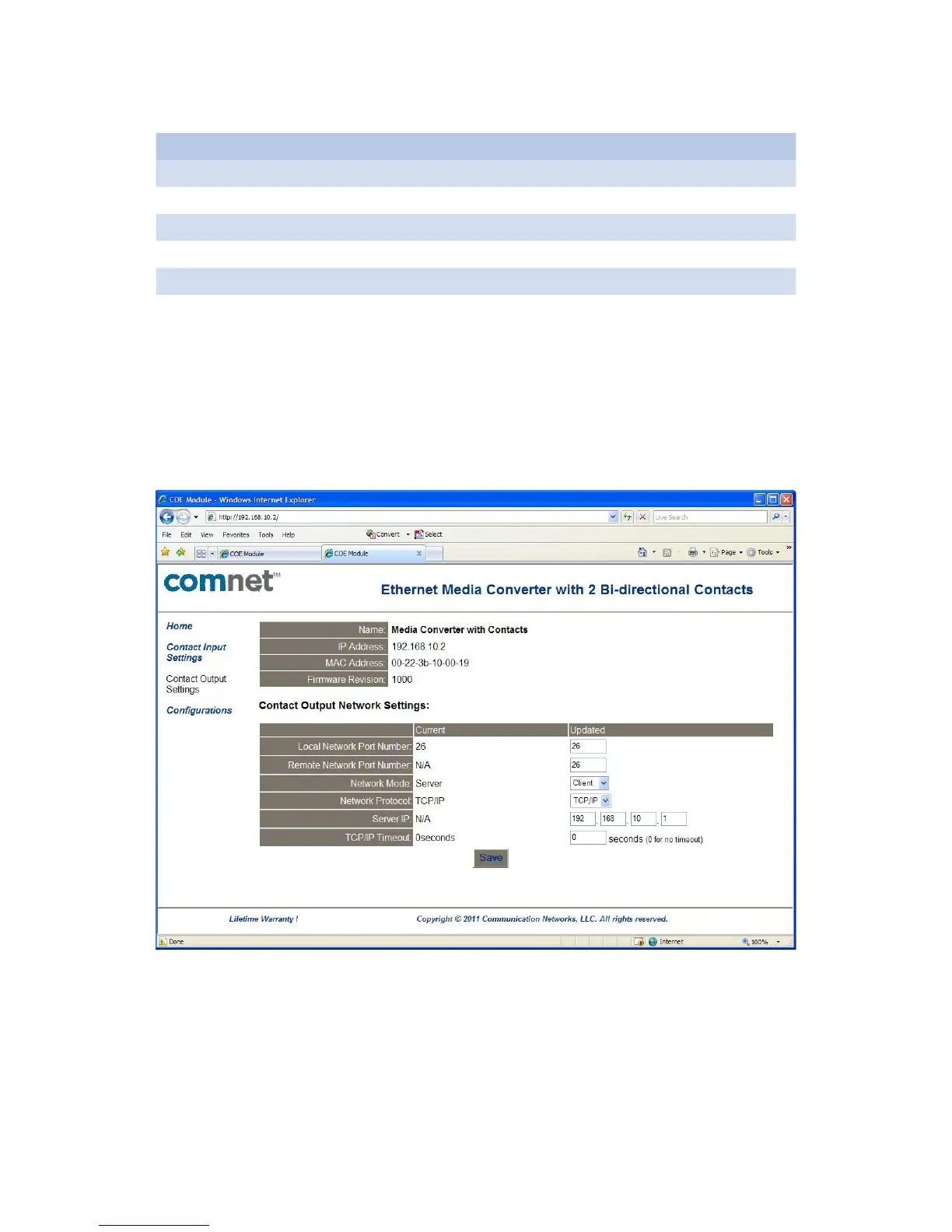
» Change Contact input/output settings as shown in Table 1.
Contact Input Contact Output
Local Network Port Number 23 26
Remote Network Port Number 26
Network Mode Server Client
Network Protocol TCP/IP TCP/IP
Server IP 192.168.10.1
TCP/IP Timeout 0 0
Table 1 – Contact Input/Output Settings
» Save the configuration changes. Connect this unit and another unit with default configurations
to your local network as shown in Figure 10. The contacts will be linked between the units
through the network.
Figure 7 – CNFE2MC2C[/M] Settings Page in Client Mode


 To Next Page