INS_CNFE2MC2C[/M]_REV–
01/18/12 PAGE 27
INSTALLATION AND OPERATION MANUAL CNFE2MC2C[/M]
Tech Support: 1.888.678.9427
Using Windows UPnP to Discover Your Contact over Ethernet
modules
Universal Plug and Play (UPnP) support is provided by default in Windows XP and Windows Vista,
but must be enabled. All the contact over Ethernet modules MUST be assigned with different IP
address.
To enable UPnP on Windows XP:
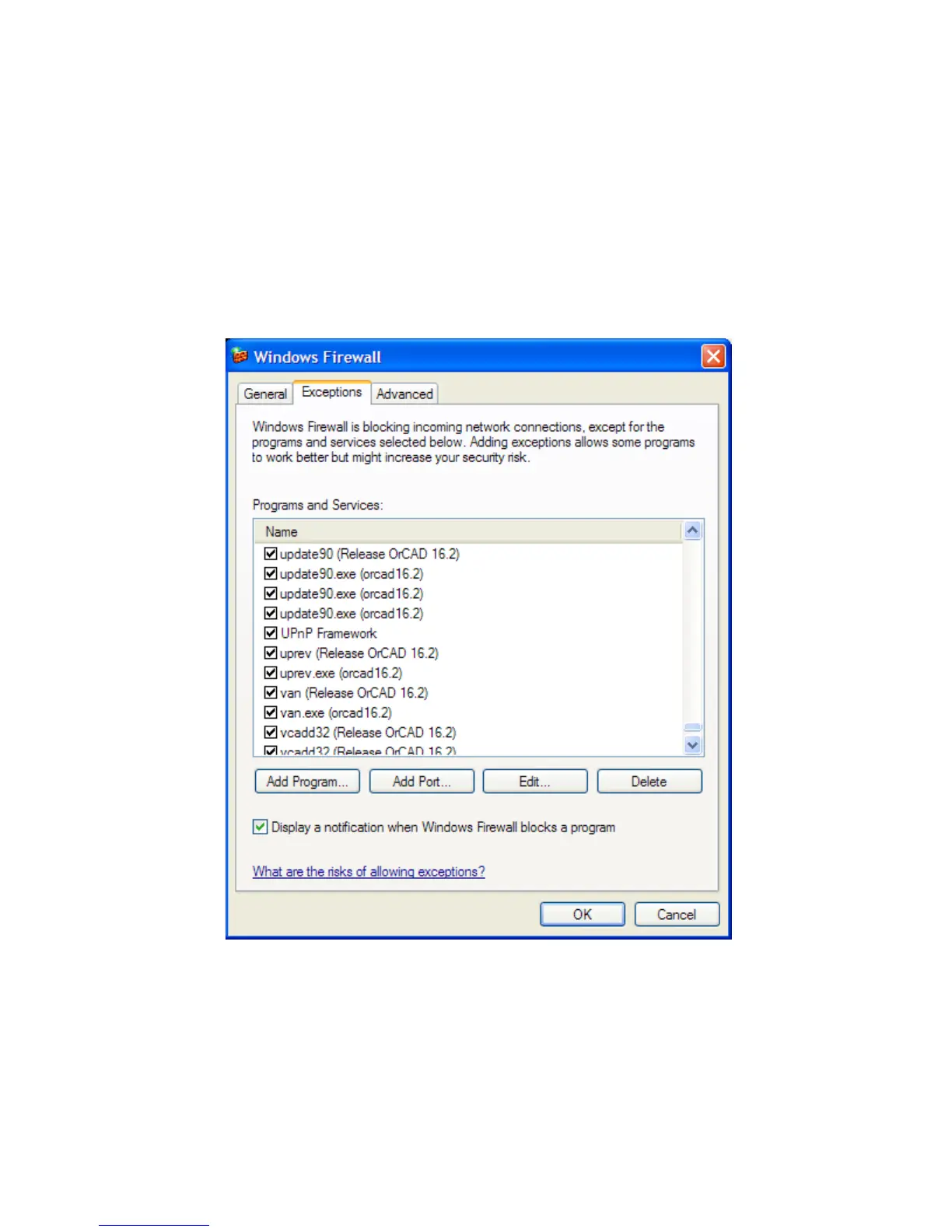
» Open “Windows Firewall” from Start > Control Panel
Figure 25 – Windows Firewall
» To enable the UPnP, make sure the UPnP Framework box is checked. Click OK.


 To Next Page