INS_NetWave_REV– 06/10/13 PAGE 13
INSTALLATION AND OPERATION MANUAL NETWAvE
TECH SUPPORT: 1.888.678.9427
8.0 Detailed Configuration
8.1 Getting Started
To access the NetWave configuration interface, perform the following steps:
1. Connect an Ethernet cable from the Data In port on the Midspan Injector or Port 2 on the
radio directly to your laptop.
2. If you are using a Midspan Power Injector, Connect the power cable to an outlet and turn on
power.
3. Assign the Ethernet adapter on your computer with a static IP address on the 192.168.1.x
network, e.g. 192.168.10.10 and with a subnet mask 255.255.255.0.
4. Launch a web browser and enter the default IP address of the device, 192.168.10.101, into the
address bar.
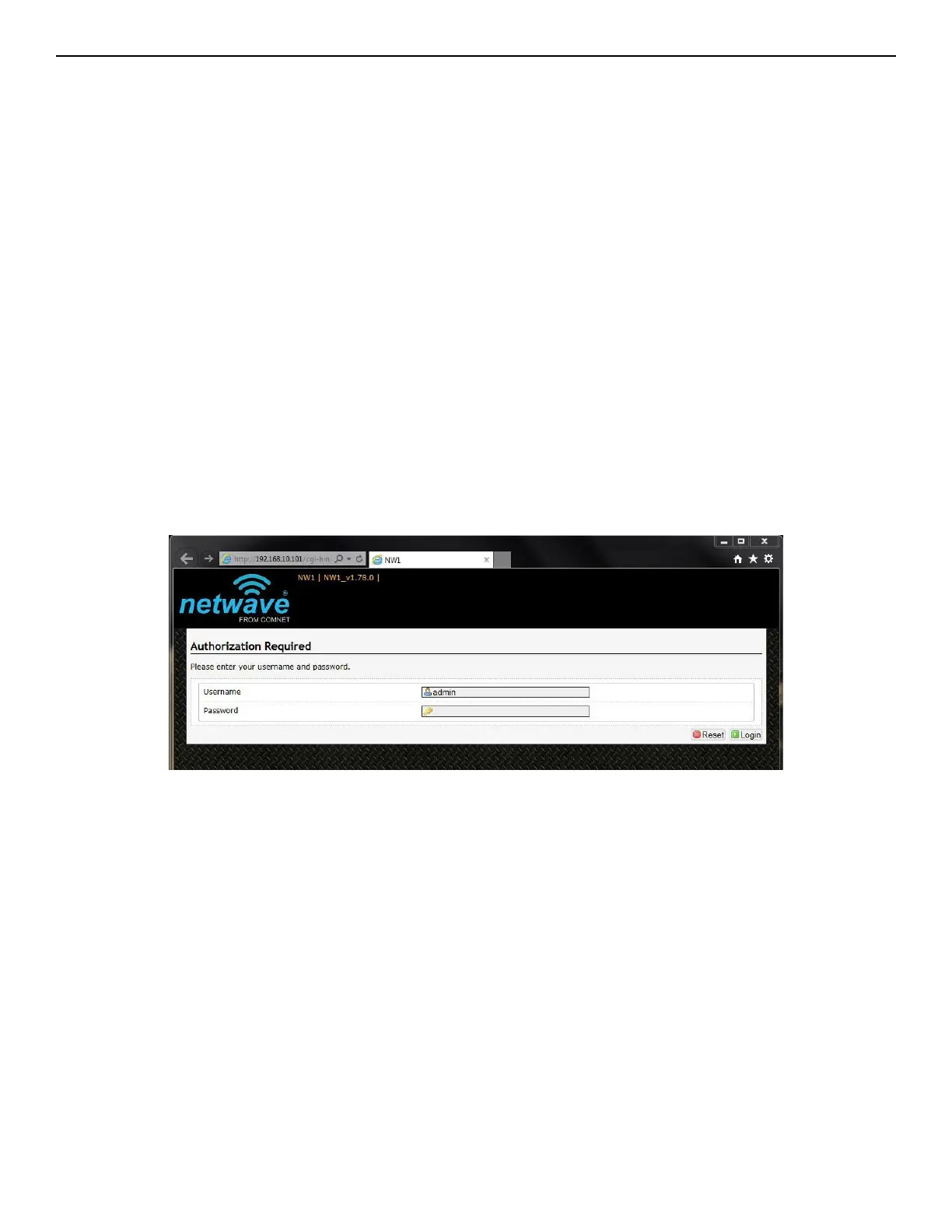
The first page that you see is the login page. The words on the top left denote the hardware part
number and the firmware build version e.g. NW7 NW7_v1.78.0
The login page is presented upon requesting the Netwave Radio’s IP address.
The default authorization details are:
Username: admin
Password: admin



 To Next Page