INS_NetWave_REV– 06/10/13 PAGE 60
INSTALLATION AND OPERATION MANUAL NETWAvE
TECH SUPPORT: 1.888.678.9427
11.9 Quality of Service
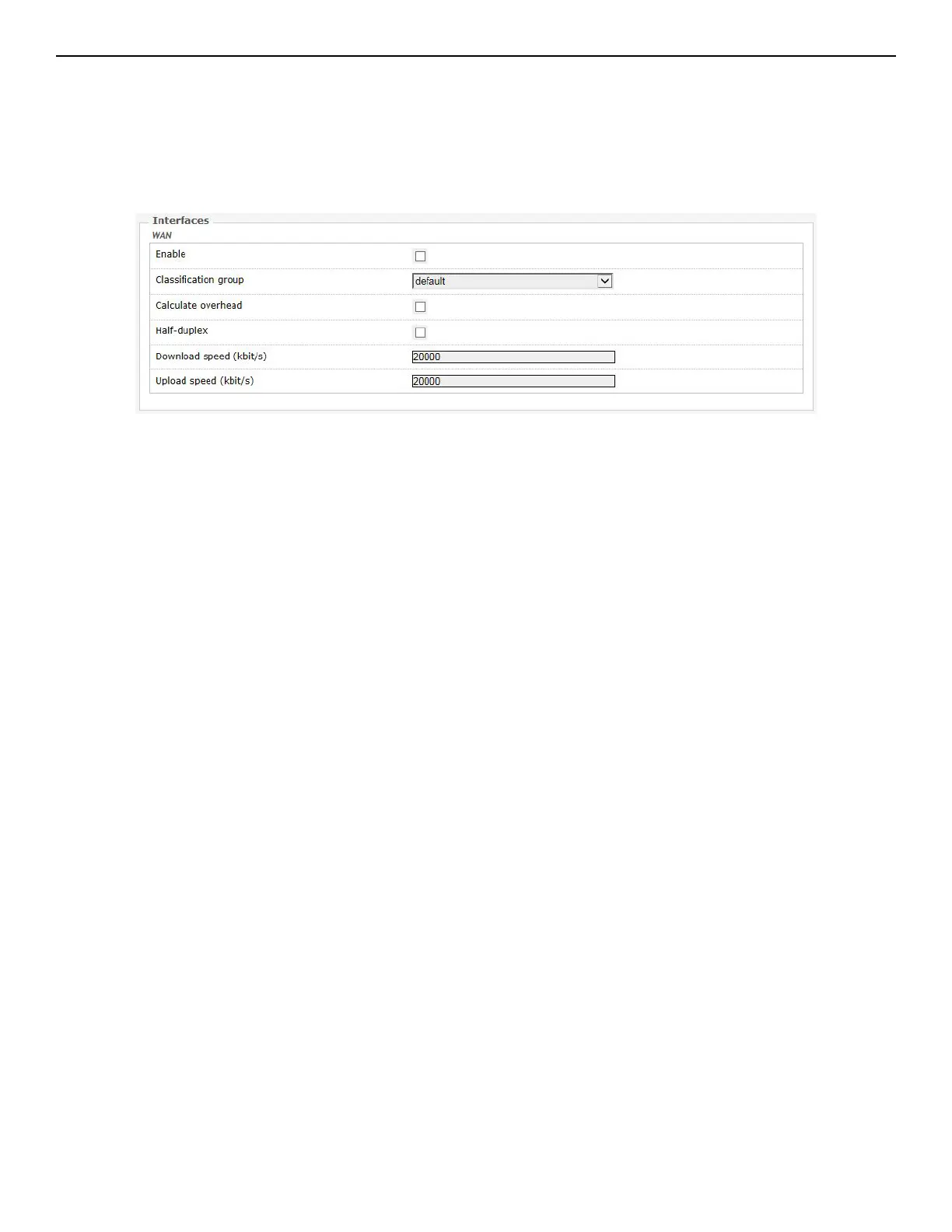
The Network » QoS page configures the quality of service (QoS). With QoS you can prioritize
network traffic that passes through the WAN port. You can limit the download and upload speeds.
Network QoS is disabled by default.
Figure 59: Network QoS settings.



 To Next Page