INS_NetWave_REV– 06/10/13 PAGE 16
INSTALLATION AND OPERATION MANUAL NETWAvE
TECH SUPPORT: 1.888.678.9427
9.0 Status Tab
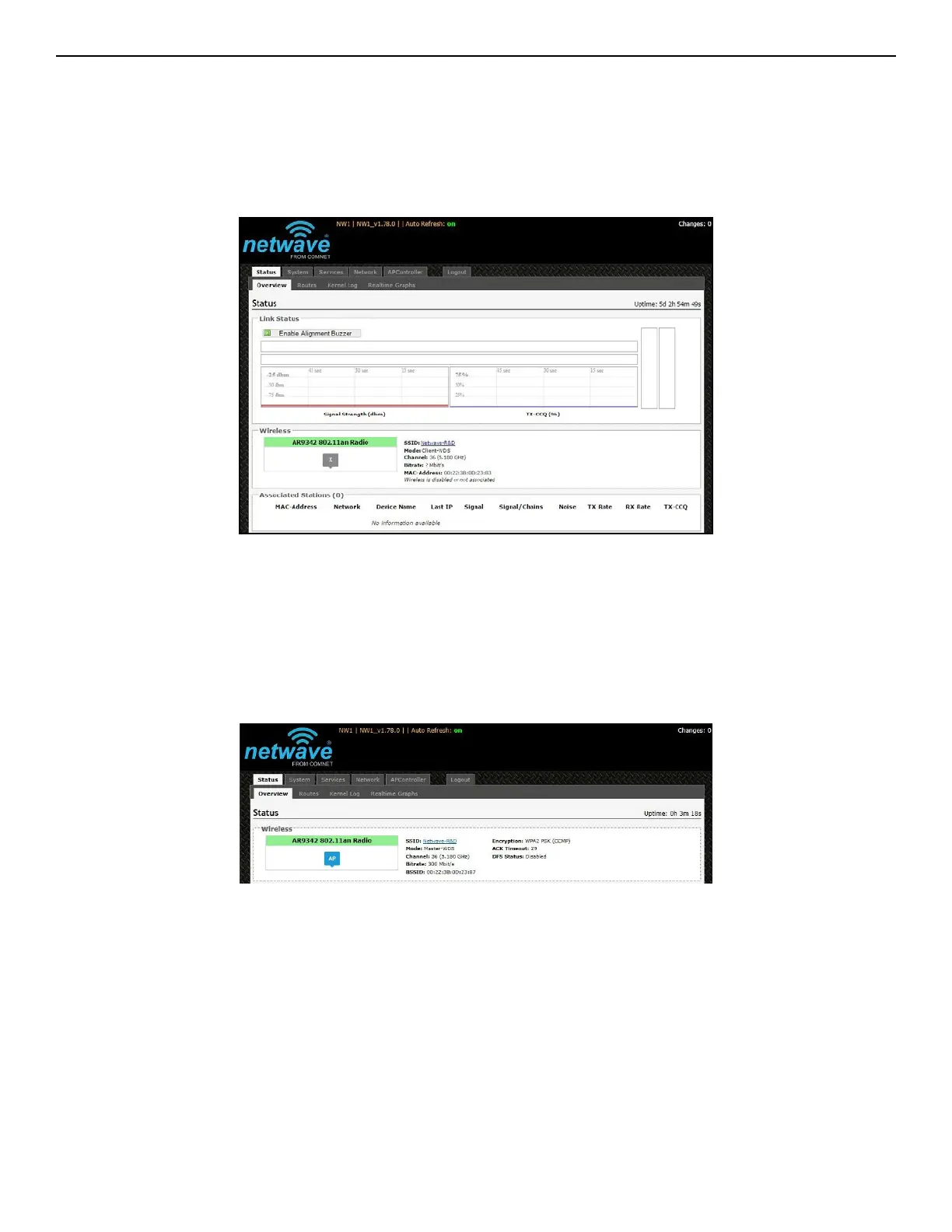
After login, when you click on the Status top-level tab, you can see the second-level tabs of
Overview, Routes, System Log, Kernel Log, and Real-time Graphs. This is shown in Figure 2.
Figure 2: The Status Tab.
9.1 Over view
The Status » Overview page is divided into the sections Link Status, Wireless, Associated Stations,
System, Memory, Network, and DHCP Leases.
Uptime: Displays the duration of time since the NetWave device was turned on or rebooted.
Figure 3: The Status » Overview page.



 To Next Page