ORIGINAL INSTRUCTIONS | Ref. quality process 002/03 | v. 19/07/2016 | K06315
12
Before plugging in the grinder, conrm that the electrical conguration found on the
description plaque on the grinder matches the power on site. Once conrmed, plug
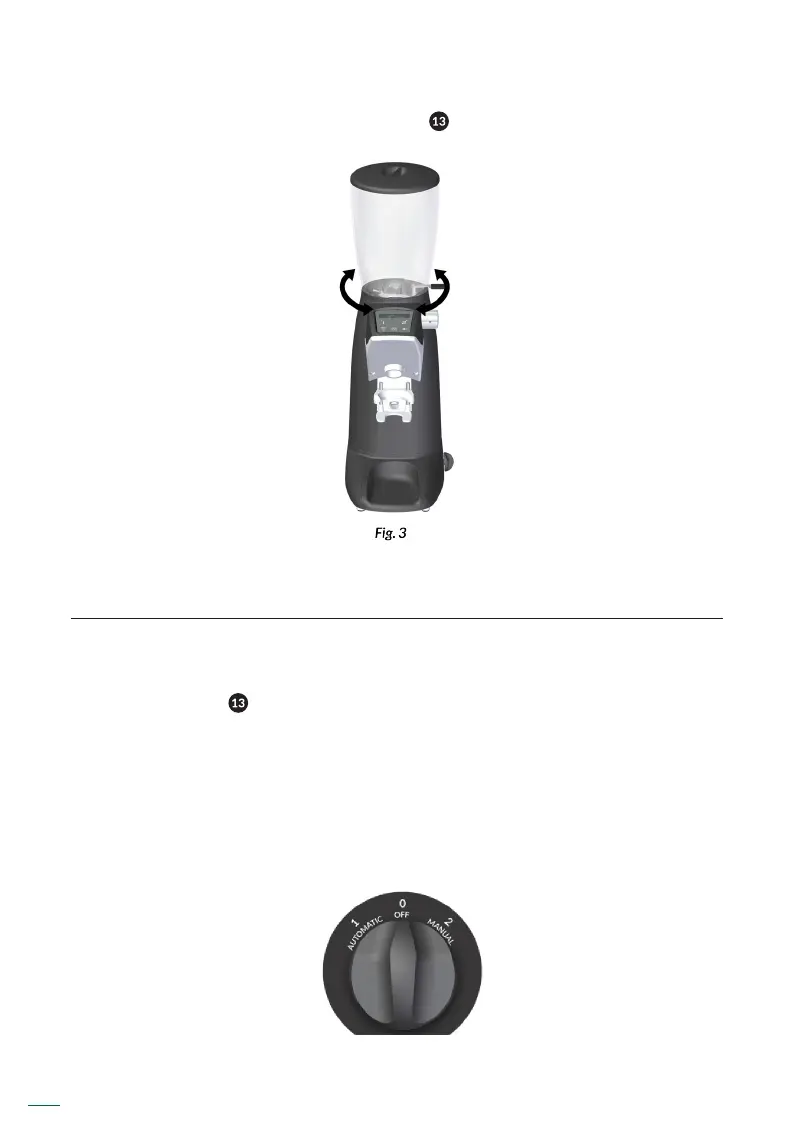
in the grinder and press the 3 position switch ( ) to position I (AUTOMATIC MODE).
9. OPERATION
9.1. General switch
The general switch ( ) has 3 positions of use, AUTOMATIC– OFF – MANUAL.
AUTOMATIC: Electrical functions
OFF: Off
MANUAL: Manual mode. Security system that allows using the grinder in case of
supply plate or keypad failure. By activating MANUAL mode, the grinder starts
grinding until returning to de mode OFF.



 To Next Page