Turn on the grinder using the On-Off switch (14). The machine
will start to grind the coffee. If the automatic stop option is
incorporated, the grinder will stop grinding when the dispenser
reaches the maximum level, and will restart after 8 portions of
coffee have been served, grinding again to the maximum level.
To serve the coffee servings, place the porta lter on the support
crutch (13) as far in as possible so that it is positioned under the
ground coffee discharge tube. Fig.1. Pull the dispensing handle
(11) to obtain one coffee serving (one serving is equal to one
cup of coffee), and release it so it returns to its normal position.
Take the porta lter and place it under the coffee tamper (12),
pressing upwards to pack the coffee. Fig. 7.
7.2 Regulating the coffee servings
The dispensers are factory adjusted to serve an amount of
approximately 7 g. of ground coffee, but this quantity can be
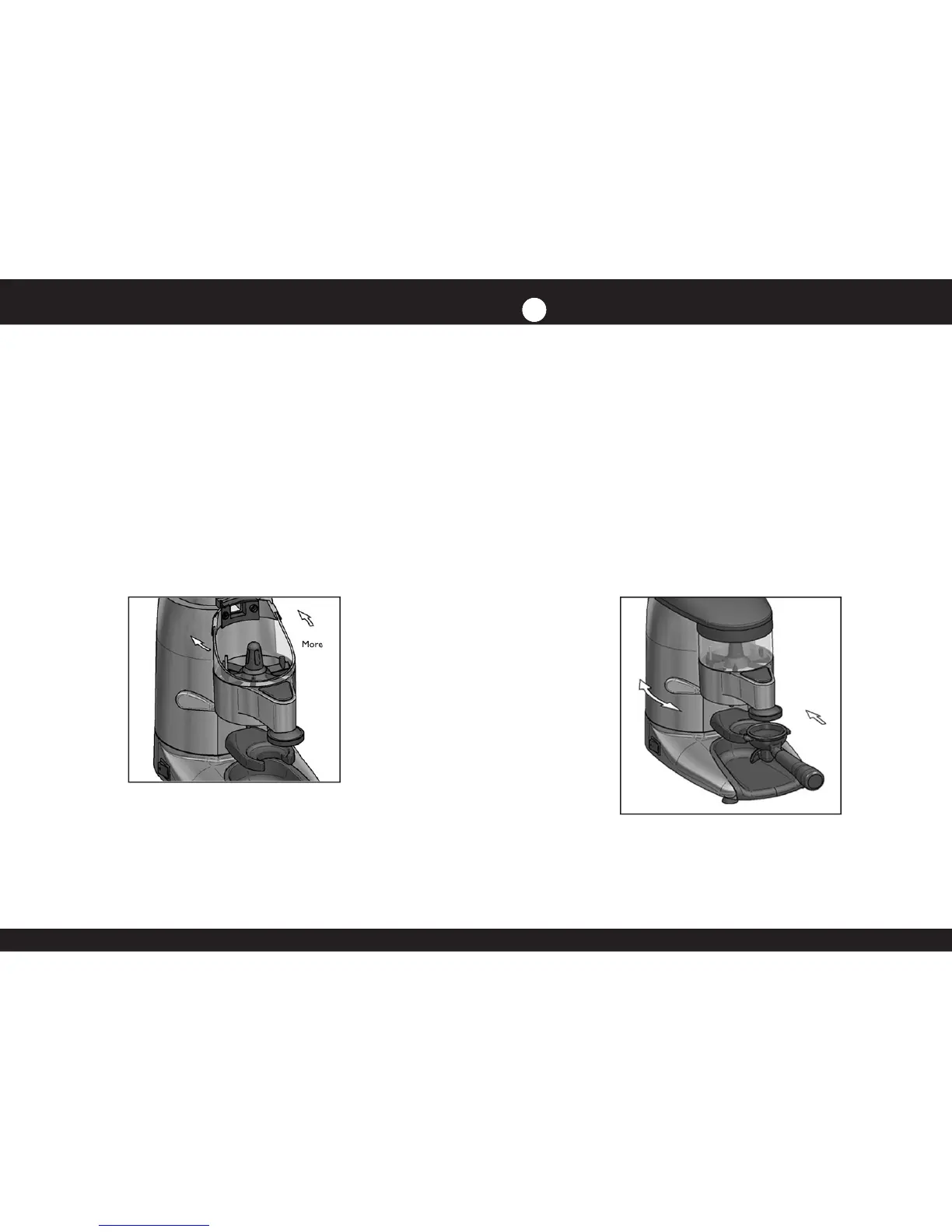
regulated between 6 and 10 g, as follows: Remove the ground
coffee dispenser lid (8) and turn the dispensing regulation screw
(9) clockwise to obtain a smaller amount of coffee, and counter-
clockwise to obtain a larger amount. Once the quantity of each
serving has been regulated, replace the ground coffee dispenser



 To Next Page