. . . . . . . . . . . . . . . . . . . . . . . . .
2-8
Attaching and Detaching Procedures
Part Number; 235758-004 - Writer: Johnnie Abercrombie - Saved by; Rebecca Wiggins
Saved date: 11/05/97 1:36 PM - File Name: Ch02.doc
3. Turn off the computer or initiate Suspend.
CAUTION
: Before docking or undocking, turn off the computer or
initiate Suspend to prevent damage to the computer. To prevent loss of
information, ensure that the battery pack is inserted into the computer
before initiating Suspend and undocking the computer.
4. Close the computer display. Make sure that the handle is in the
up position, unless it has been removed from the computer.
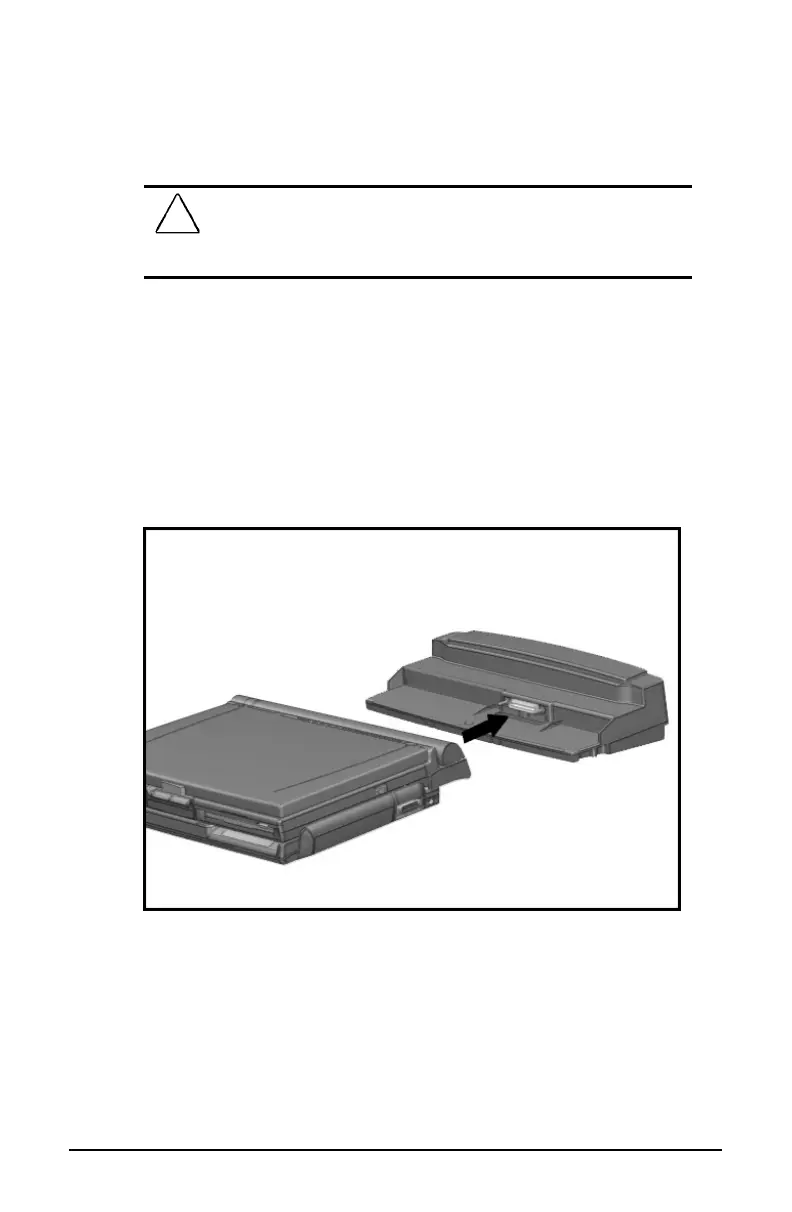
5. Slide the computer and MCD onto the convenience base so that
the expansion connector on the rear of the MCD and the
expansion connector posts on top of the convenience base are
aligned.
6. Slide the computer back until it stops.
Docking the Computer and MCD
7. Open the computer display.
8. Turn on the computer or exit Suspend to resume work.













 To Next Page