. . . . . . . . . . . . . . . . . . . . . . . . .
2-2
Attaching and Detaching Procedures
Part Number; 235758-004 - Writer: Johnnie Abercrombie - Saved by; Rebecca Wiggins
Saved date: 11/05/97 1:36 PM - File Name: Ch02.doc
Attaching the Computer
To attach the computer to the MCD, follow these steps:
1. Turn off and disconnect all external devices connected to the
computer (such as the AC adapter).
2. Turn off the computer.
3. Close the computer display. Ensure that the handle is in the up
position, unless it has been removed from the computer.
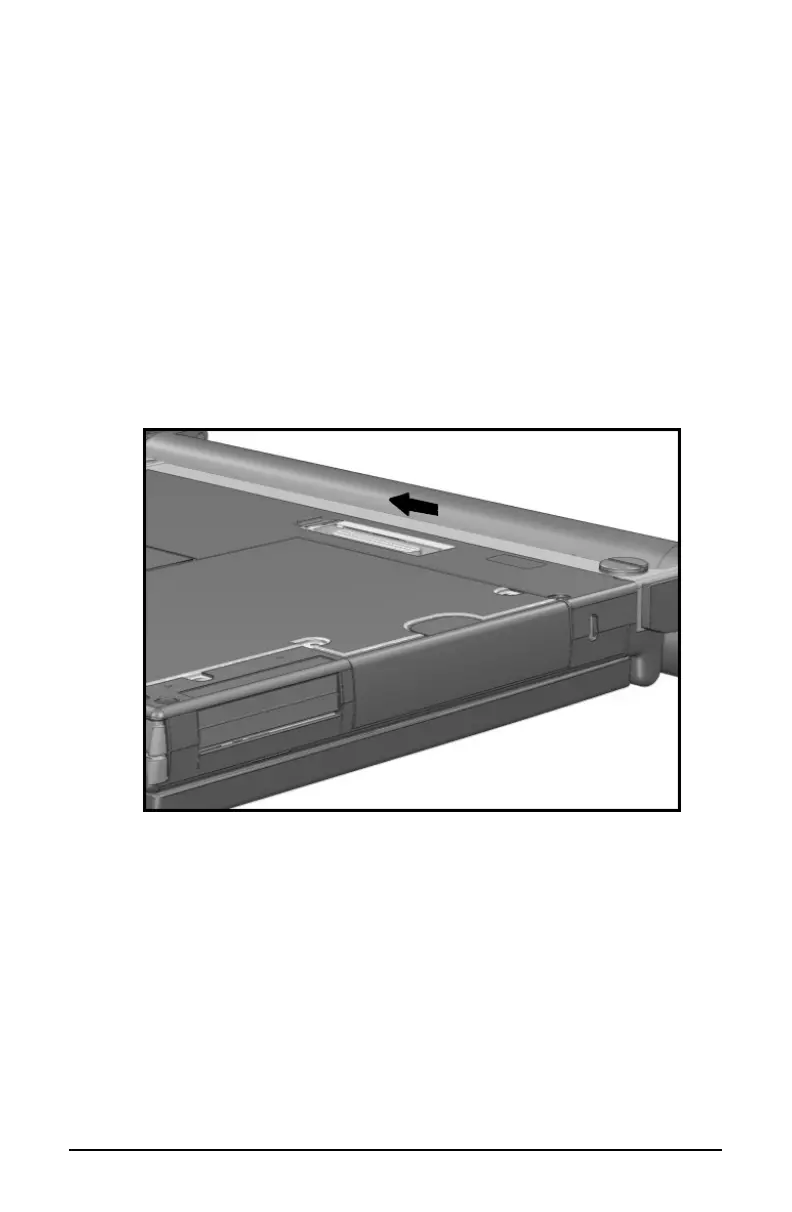
4. Slide the computer expansion slot cover on the bottom of the
computer to the open position.
Opening the Expansion Slot Cover













 To Next Page