. . . . . . . . . . . . . . . . . . . . . . . . .
3-8
Using the Compaq Mobile CD Expansion Unit
Part Number; 235758-004 - Writer: Jim Williams - Saved by; Rebecca Wiggins
Saved date: 11/05/97 1:35 PM - File Name: Ch03.doc
Connecting the AC Adapter
To connect the AC adapter to the MCD, follow these steps:
1. Connect the power cord to the AC adapter.
CAUTION:
Ensure that the electrical outlet you plug the power
cord into is easily accessible to you at all times. When you want to
disconnect power from the convenience base, unplug the power
cord from the electrical outlet.
!
WARNING:
To reduce the risk of electric shock or damage to your
equipment, do not disable the power cord grounding feature. This
equipment is designed to be connected to a grounded (earthed)
power outlet that is easily accessible to the operator. The
grounding plug is an important safety feature.
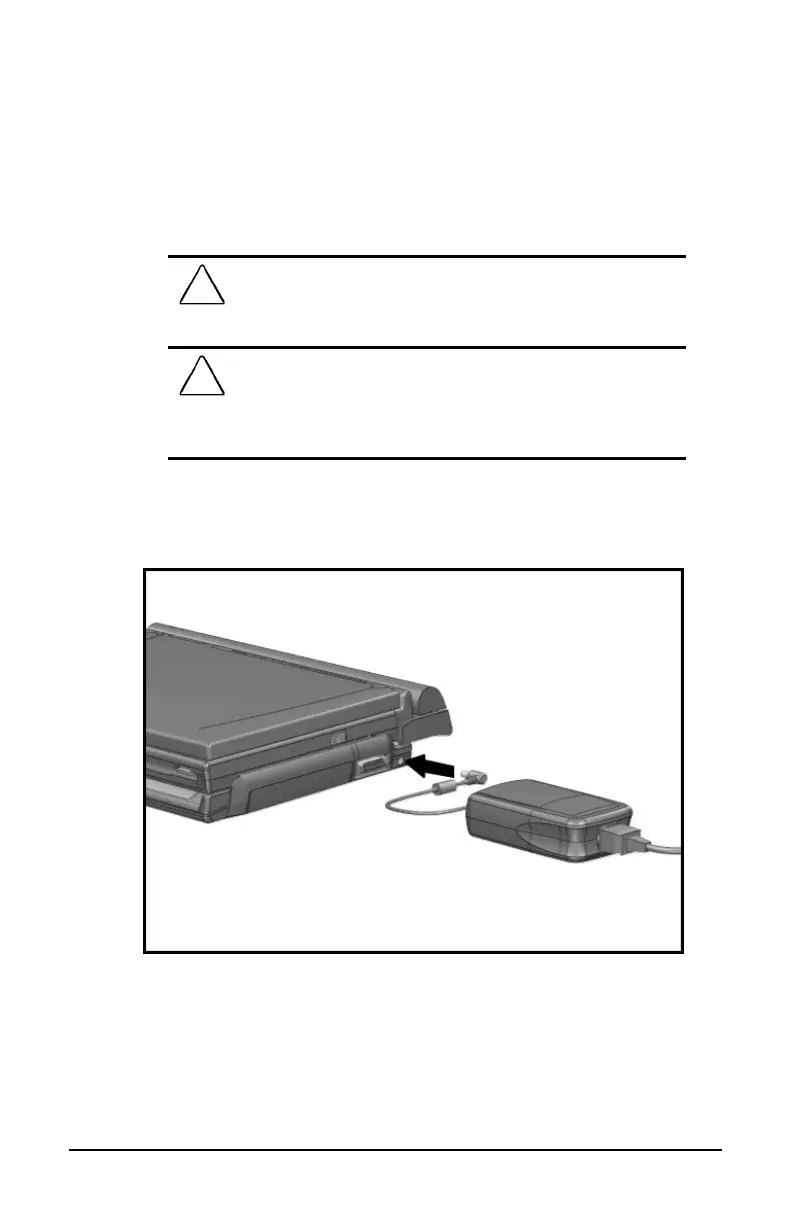
2. Connect the AC adapter cable to the AC power connector on the
right side of the MCD. Make sure both connectors are aligned.
Connecting the AC Adapter to the MCD













 To Next Page