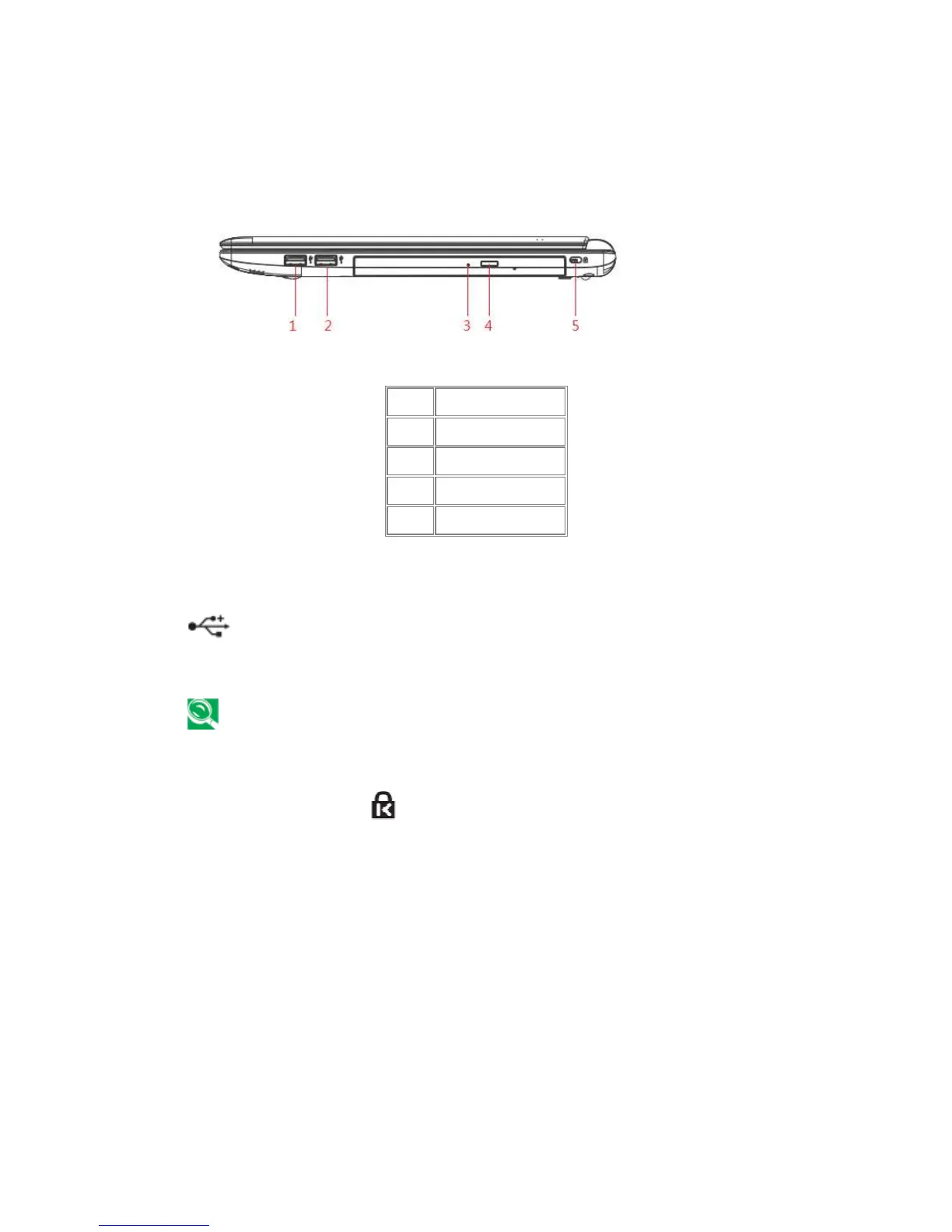
Use this port to connect a USB device, such as a mouse, external keyboard, or printer to
the computer.
USB is a peripheral expansion standard that supports data-transfer rates up to 480 Mbps.
USB peripheral has a single standard for cables and connectors. You can install and remove
USB devices while the computer is on. This is called “hot swapping”.
1.1.10 Kensington Lock ( )
A Kensington Security Slot is a small, metal-reinforced hole found on almost all small or
portable computer and electronics equipment, particularly on expensive and/or relatively light
ones, such as laptops, computer monitors, desktop computers, gaming consoles, and video
projectors. It is used for attaching a lock-and-cable apparatus, in particular those from
Kensington.



 To Next Page