Before removing an SD/MMC card, stop it running from the configuration utility on
the taskbar. Failure to do so could result in the data loss.
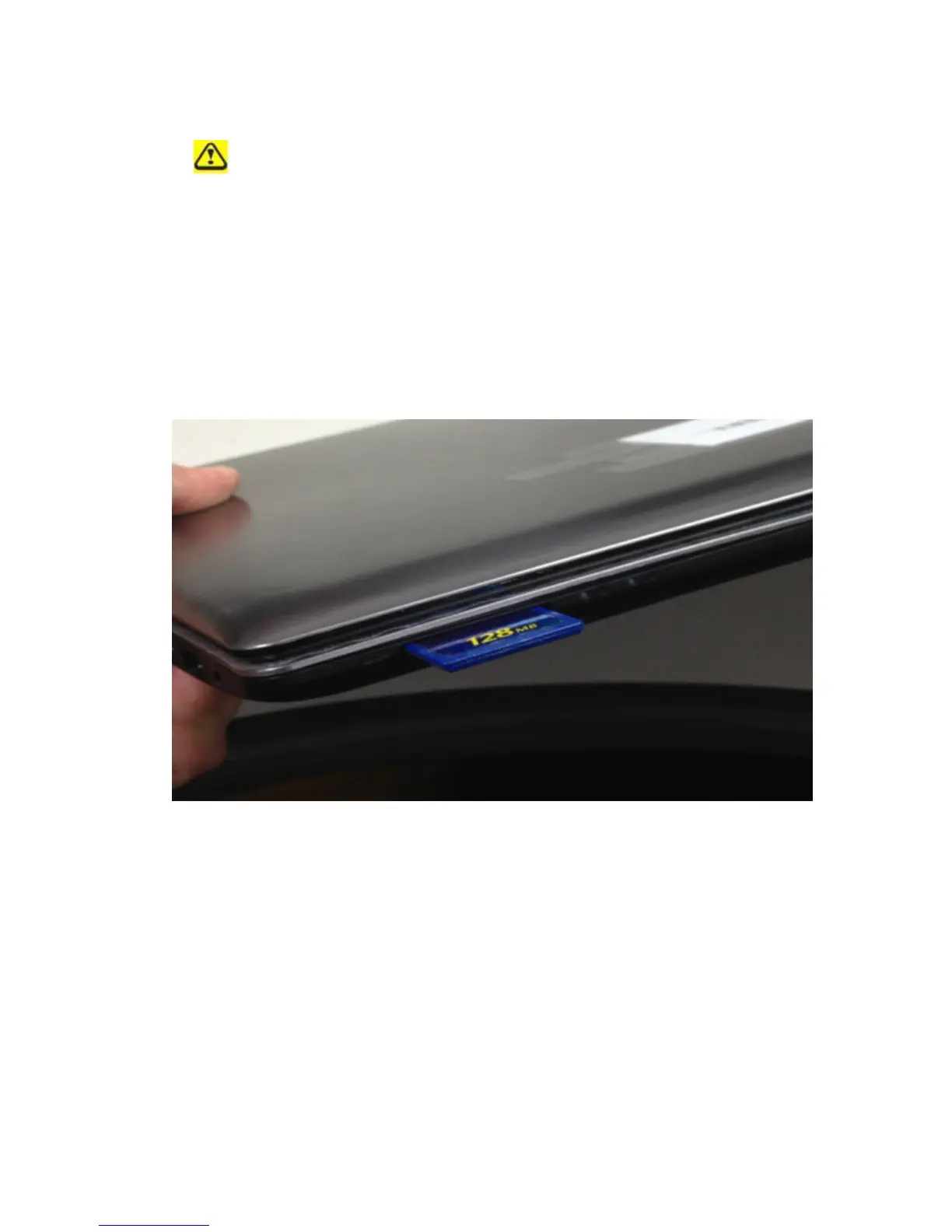
3.1.1 Installing a SD/MMC Card
SD/MMC card, with hot-plug feature, allow you to install and remove cards when your
notebook is running. The card will be detected automatically after being installed.
Usually SD/MMC Cards have a mark or symbol to show which end to insert into the slot.
Insert the card according to the orientation symbol, and slide the card into the slot. Check
the documents that came with your card if the orientation is unclear.
Hold the SD/MMC card with its orientation symbol pointing into the slot and the topside of
the card facing up.
Slide the card into the slot until it clicks into the connector.
If you encounter too much resistance, do not force the card. Check the card orientation and
try again.
3.1.2 Remove a SD/MMC Card
To remove the SD/MMC card, please pull it in gently.



 To Next Page