11
Battery Status
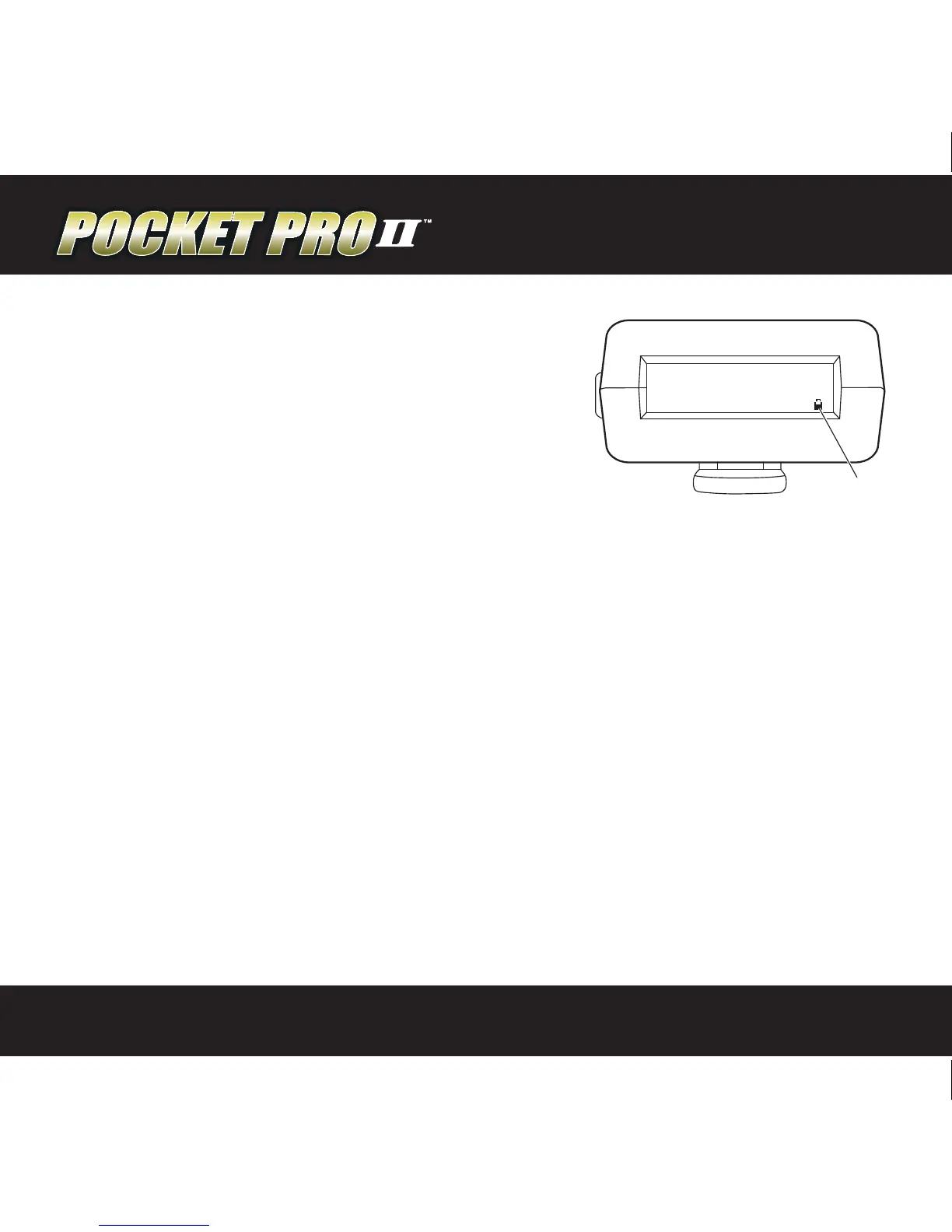
Battery Status can be monitored in two places. On
the main screen, a battery icon appears in the lower
right-hand corner of the display. As the battery
discharges, the icon will become more and more
“hollow.” For a more detailed display of the battery
condition, press the MENU UP or DOWN buttons
repeatedly until the “battery condition” display appears. Here, you can see an
expanded “bar graph” type display of the battery level. The timer will operate
normally down to a reading of around 6V. When the battery becomes depleted
to approximately 6.5 volts, the display backlighting will be turned o to conserve
power. This will allow the session to continue in the event a replacement battery
is not readily available. When the battery voltage becomes depleted to less than
6 volts, the Pocket Pro II will shut down to avoid undened operation.
Resetting the Timer to Factory Defaults
To reset factory default values within your timer, remove the battery, then hold
down the “Start” button and reinstall the battery. Look at the display to see
the message “INIT N/V MEMORY”. Now release the start button and the reset is
complete.
SPL 2.1 6
1st 1 .58
DELAY RNDM
05:10:16AM
SHOT # 6
18.65
BATTERY


 To Next Page