2
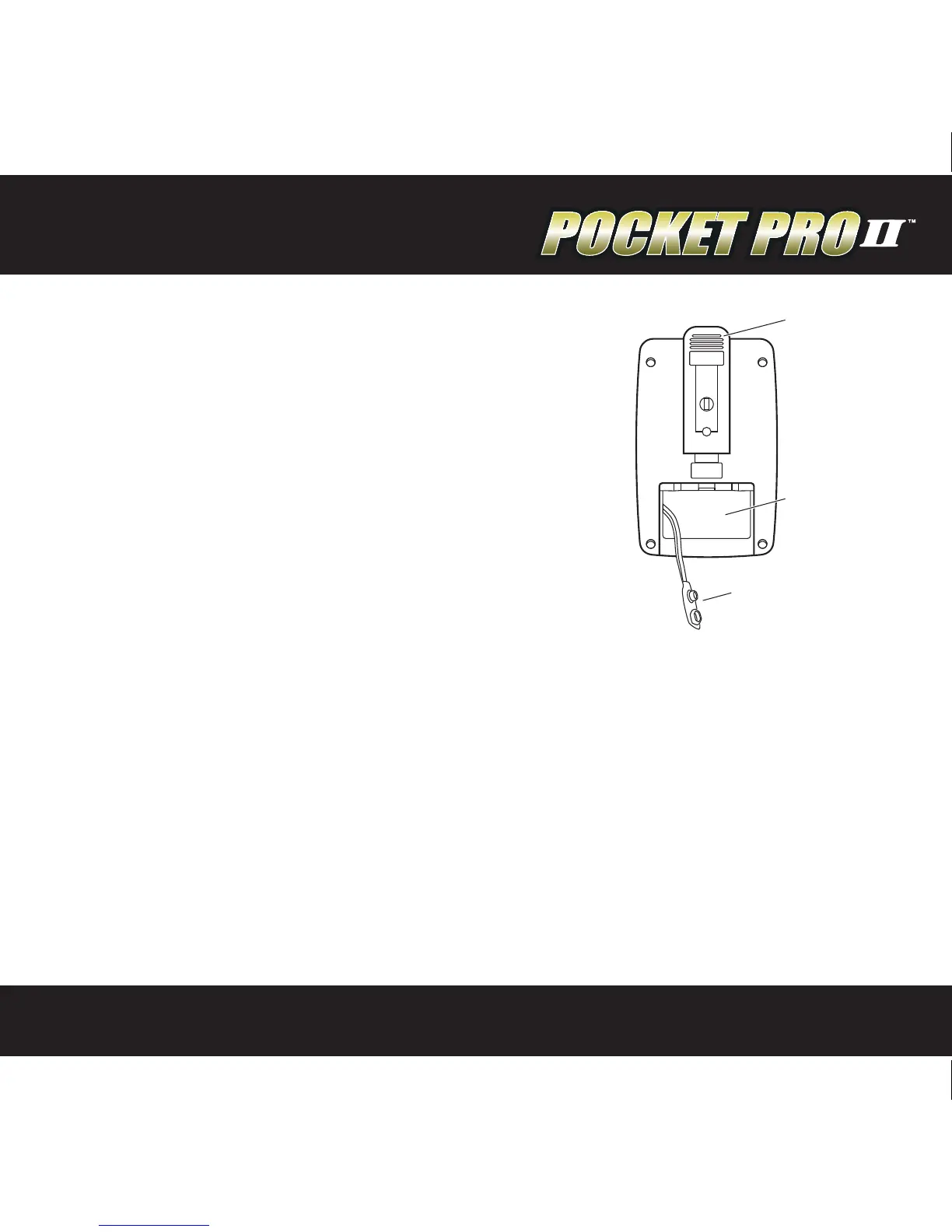
Battery Installation
The Pocket Pro II operates on a 9 volt alkaline battery.
It is important to use alkaline batteries due to the
power demand of the buzzer. To install the battery,
remove the cover, connect the battery to the wire
clip, t the battery in the compartment, and replace
the cover. Once installed, the Pocket Pro II will
briey display a sign-on message, followed by the
main operating screen. The sign on message can be
bypassed by pressing one of the menu buttons.
If at any time you suspect the unit is not functioning
normally, try resetting it. The procedure is listed on page 11 of this manual.
Automatic Shutdown
If no shots are detected and no buttons are pressed for a period of ten minutes, the
timer will power down automatically. This will prevent battery discharge in the event
it is not turned o after use. To wake up the timer, press the SET/ON button.
Forced Shutdown
To turn the Pocket Pro II o, press and hold the MENU DOWN button for
approximately 3 seconds.
BELTCLIP
BATTERY



 To Next Page