7
Beeper Volume
The beeper volume can be adjusted by pressing the SET UP or SET DOWN button.
Changes are indicated by a “bar graph” display indicator as well as a sample of the
sound level. A new setting will be saved automatically.
Setting the Main Display Type
The Pocket Pro II can be congured to show three dierent types of main displays.
These are selected from the “MAIN SCREEN TYPE” menu, and are described below.
Review Direct
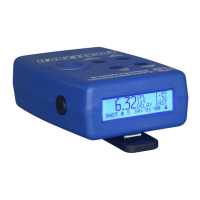
When the “Review Direct” main display is selected,
the last split time will appear in the upper right
hand corner of the main display. Pressing either
the SET UP or SET DOWN button will jump directly
to the shot review screen. Pressing the MENU UP
button will return to the main display screen.
SPL 2.1 6
1st 1 .58
DELAY RNDM
05:10:16AM
SHOT # 6
18.65


 To Next Page