156
EN
Compex Fit - User Manual
A Press the On/Off button to return to the previous screen.
E Press the channel 4 +/- button to start the program.
N.B.: A session has to be fully completed in order to be recorded as having been
accomplished.
N.B.: "i" button gives access to diagrams of the electrode placements and body
position recommended for this goal.
B C D EA
Wellness Category
The Wellness category contains programs relating to wellbeing and pain relief. When
choosing a program, it is especially useful to consult chapter 7 of this manual.
A Press the On/Off button to return to the previous screen.
B Use the channel 1 +/- button to select a program.
E Use the channel 4 +/- button to confirm your choices and launch the
program.
N.B.: "i" button gives access to a short description of the program.
B C D EA
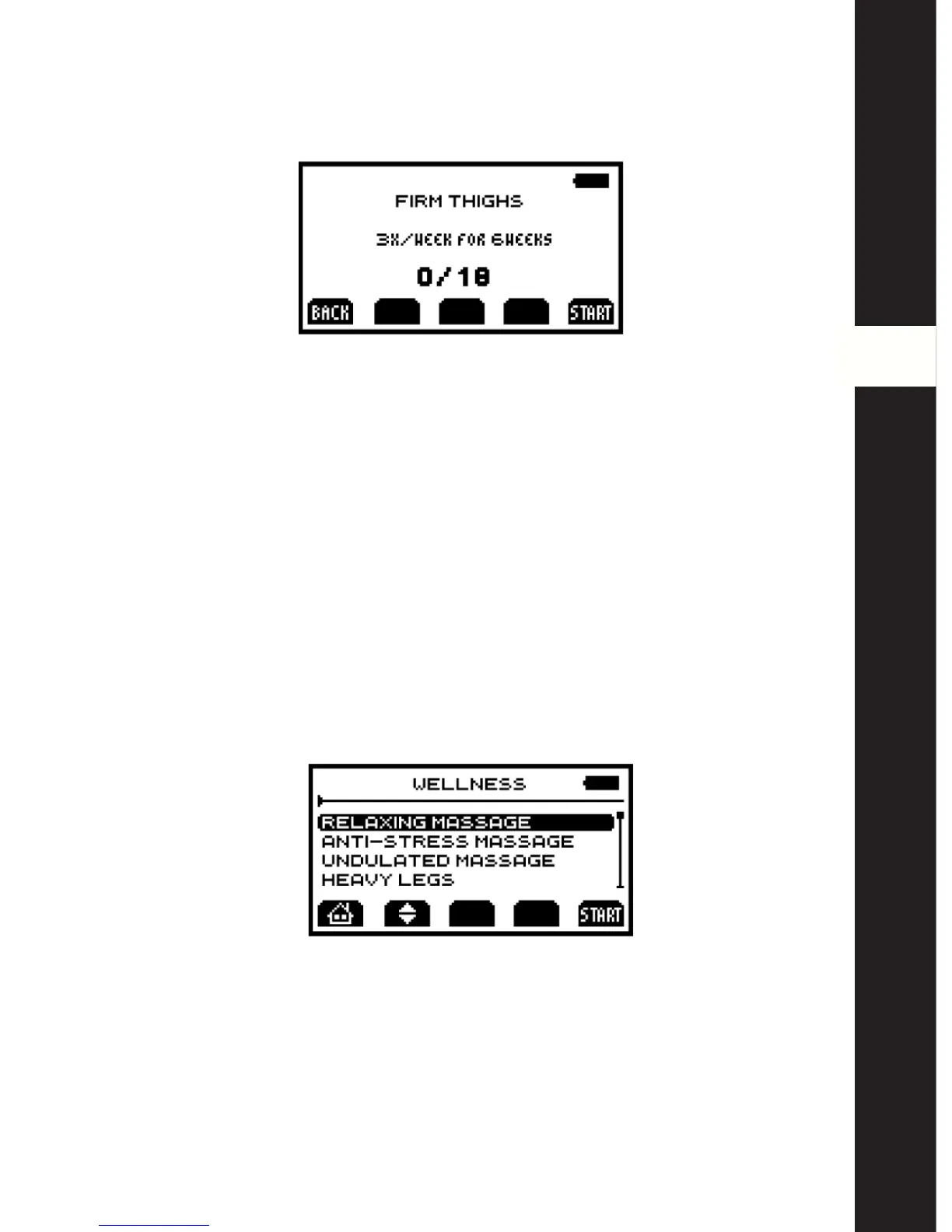
When a goal has been selected, an information screen summarises the goal together
with session frequency and duration as well the number of sessions accomplished.



 To Next Page