28
VII. Operating Instructions
Language, Contrast of the Display
and Sound Volume Selection
Before using your
“Compex® Sport”
, you can select the language of
your unit, adjust the display contrast and the sound volume.
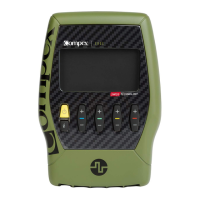
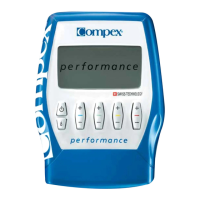
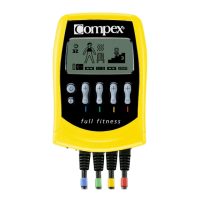
To do so, press the “On/Off” switch, which is located on the left of
your unit ( ), and hold it down for a few seconds to display the
options screen.
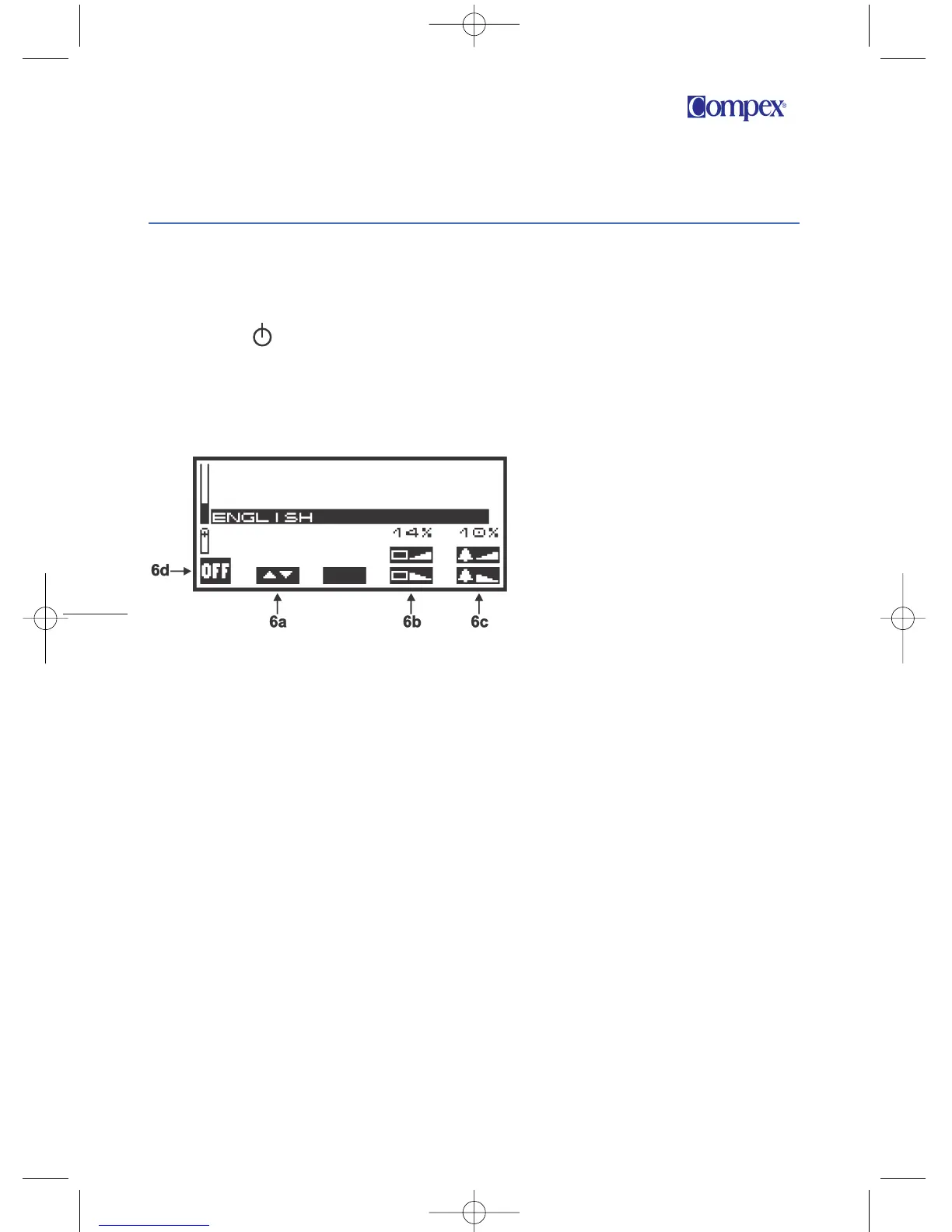
6a
To select the language of your choice, press the “+”/“–” key of
channel 1 as many times as necessary until the required
language is displayed.
6b
To set the contrast of the display, press the “+”/“–” key of
channel 3 (“+” to increase the preferred percentage and “–” to
reduce it).
6c
To set the sound volume, press the “+”/ “–” key of channel 4
(“+” to increase the preferred percentage and “–” to reduce it).
6d
To confirm the selected parameters, press the “On/Off” switch.
Your stimulator saves your options and switches itself off.
Figure 6
SpUS Manuel EN:SpUS Manuel EN 31/01/08 15:59 Page 28


 To Next Page