30
VII. Operating Instructions
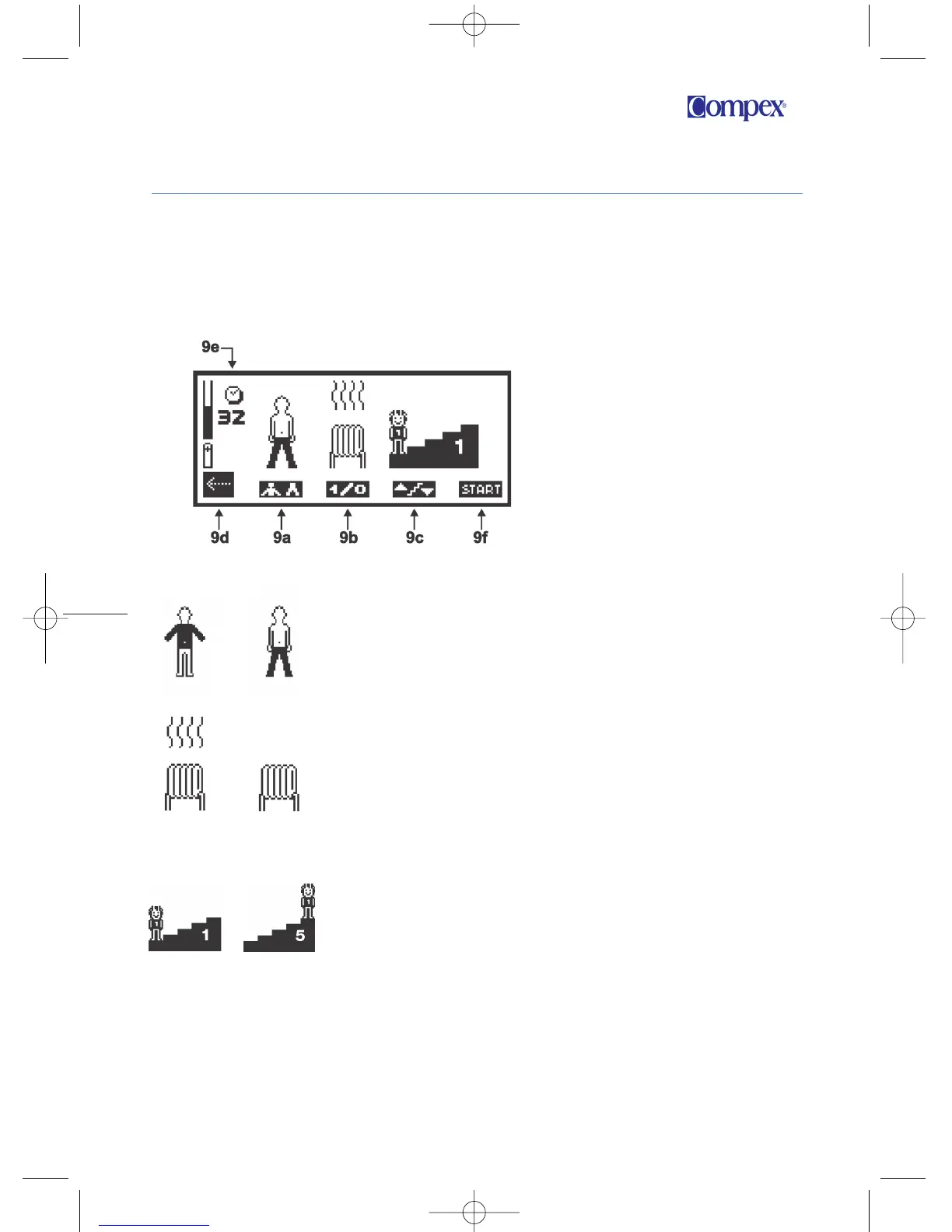
9d
To return to preceding screen, press the “On/Off” switch.
9e
Total time of the program in minutes.
9f
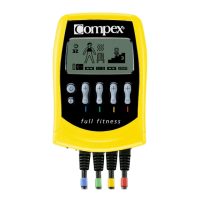
To start the program, press the “+”/”–” key of channel 4
(“START”).
9a To stimulate the muscles of the lower
limbs or of the upper limbs and the
trunk, press the “+”/”–” key of channel 1.
9b
To select or deselect a warming-up
sequence at the beginning of the session
(yes, hot air rises above the heater; no,
the heater remains cold), press the
“+”/”–” key of channel 2.
9c Depending on the program, to select the
level of muscle work, press the “+”/”–”
key of channel 3.
Personalizing the Program
Before starting the session, you will have to personalize the program
as follows:
Figure 9
SpUS Manuel EN:SpUS Manuel EN 31/01/08 15:59 Page 30



 To Next Page