3
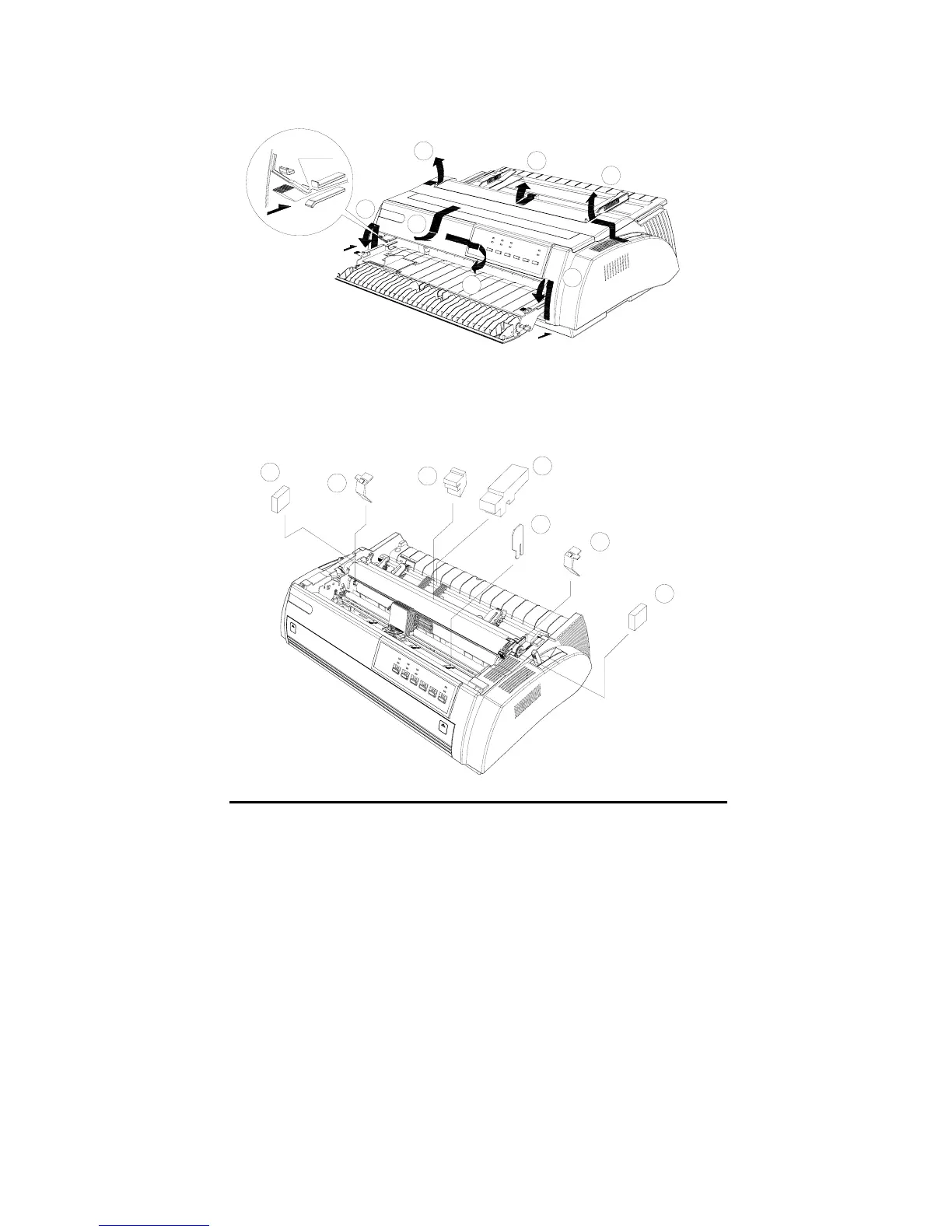
Remove the protective material
14
13
10
9
8
11
12
Push into
6
1
2
3
7
5
4
Note:
To prevent printer from being damaged during shipping, several
pieces of protective materials which are marked with 1 to 14 are
packed with the printer. Please take these out before assembling
the printer. And please preserve the protective materials for
preparing the next shipping.



 To Next Page