9
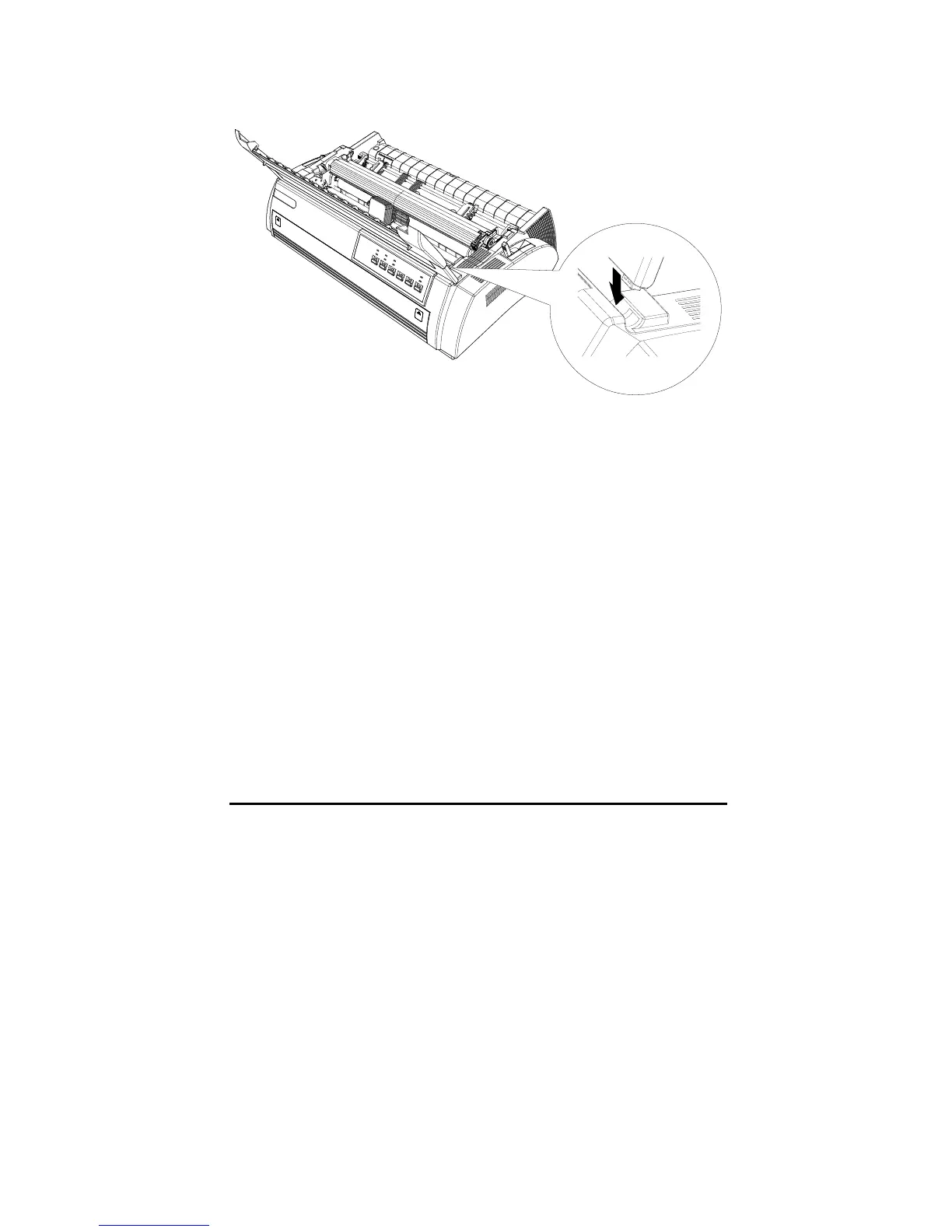
7. Reinstall the printer cover unit. Insert the pegs of printer cover unit into the
notches and put the cover down, as shown in the following figure:
Installing the Paper Guide
Rear
Insert the pegs of the paper guide into the notches of the printer then let down
the paper guide, as shown in the following illustration.



 To Next Page