8
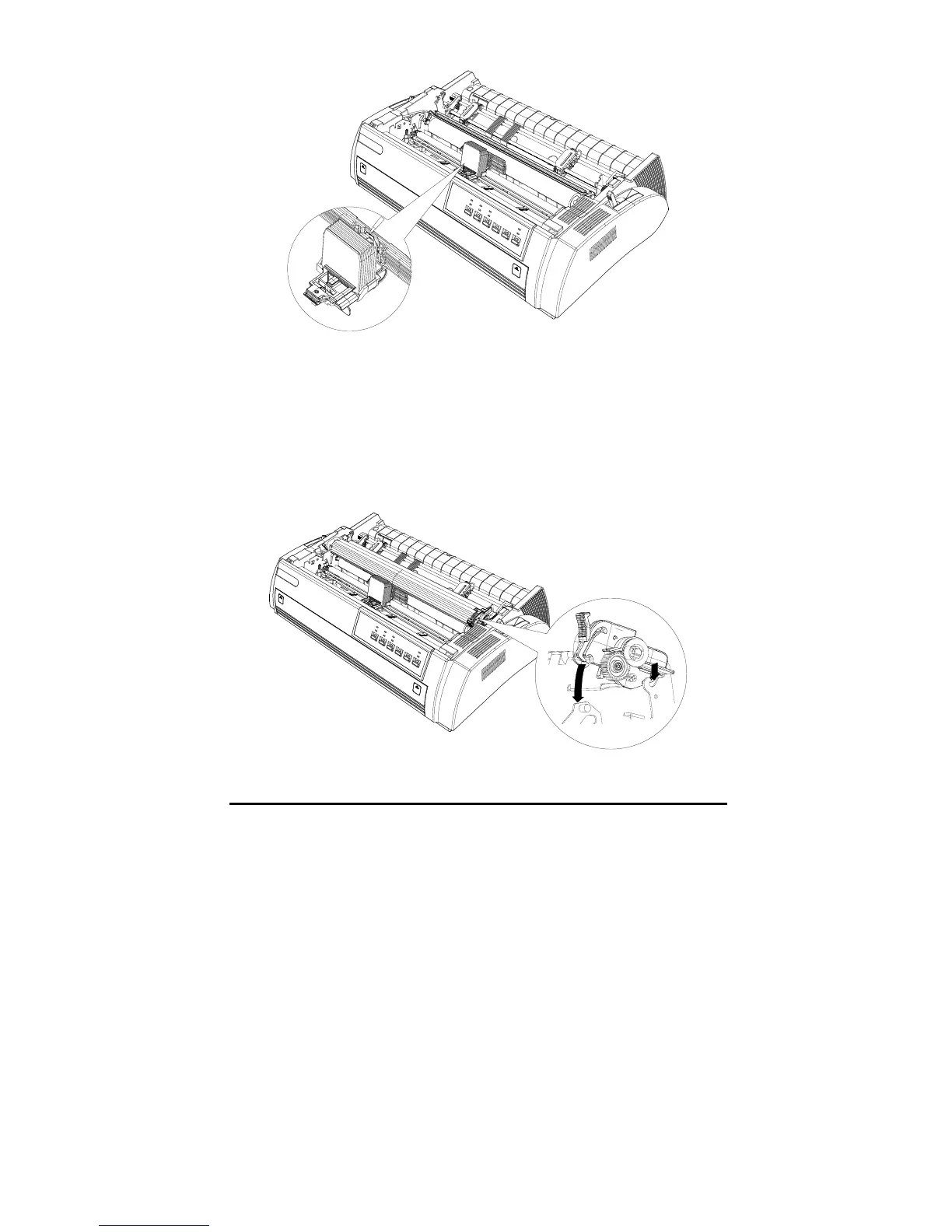
5. Slide the print head from side to side several times. Make sure the print
head moves smoothly and the ribbon is not twisted or creased.
6. Place the paper feeder on the installation column nail inside the printer and
put it down, as shown in the following illustration. Then press gently on
both sides of paper feeder until you hear the sound “clack”, this means that
installation has been well done.



 To Next Page