10
Front
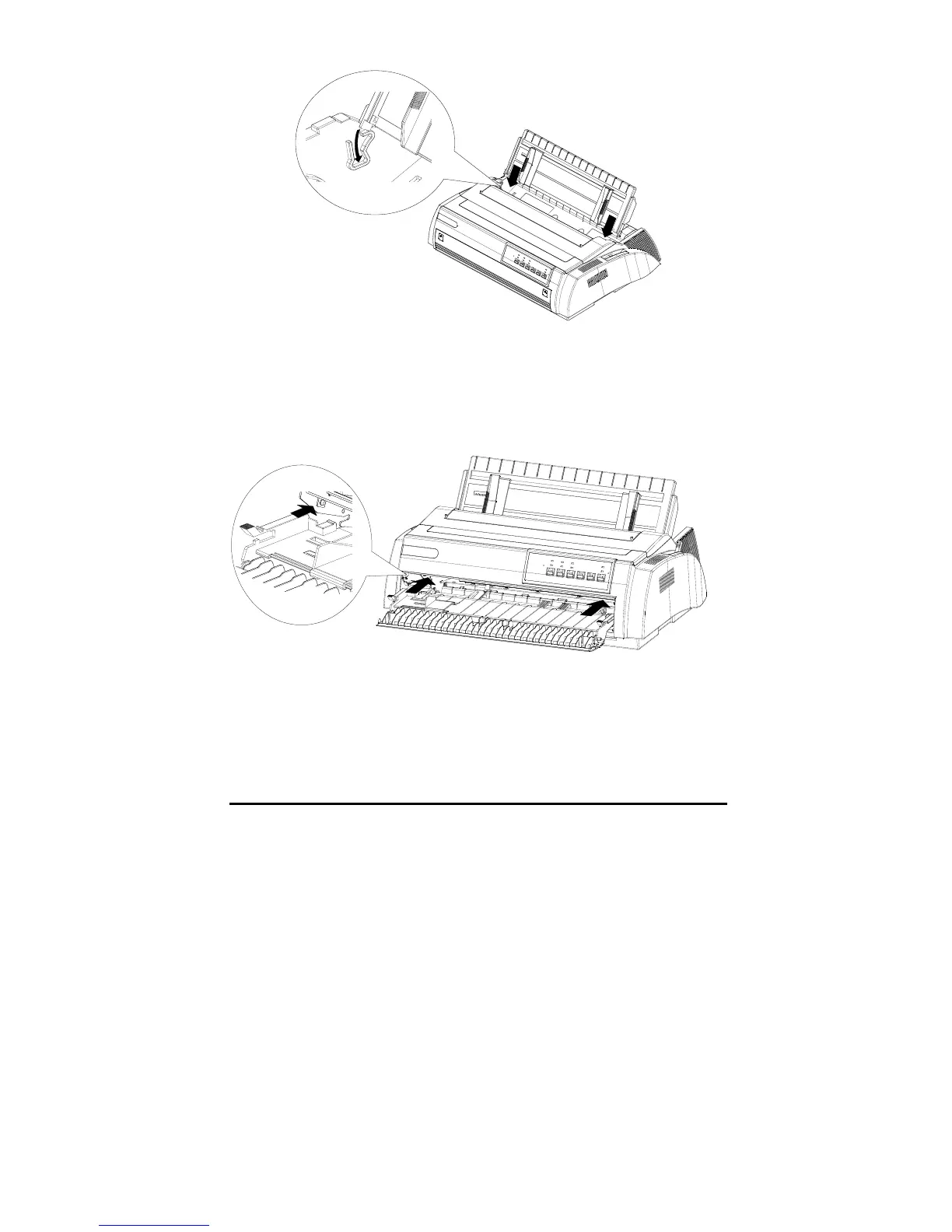
As shown in the below illustration, hold the handles of the front paper guide.
Push the paper guide along the slot until it clicks into place. While installing,
push both sides smoothly with little strength. The front paper feeder is installed
correctly when you hear the sound of “Clack”.
Test the printer
Before connecting the printer to the host, please run the printer’s self test to
inspect whether the printer is able to work well.



 To Next Page