49
Load continuous paper with “load/eject” button before printing.
Multipart forms
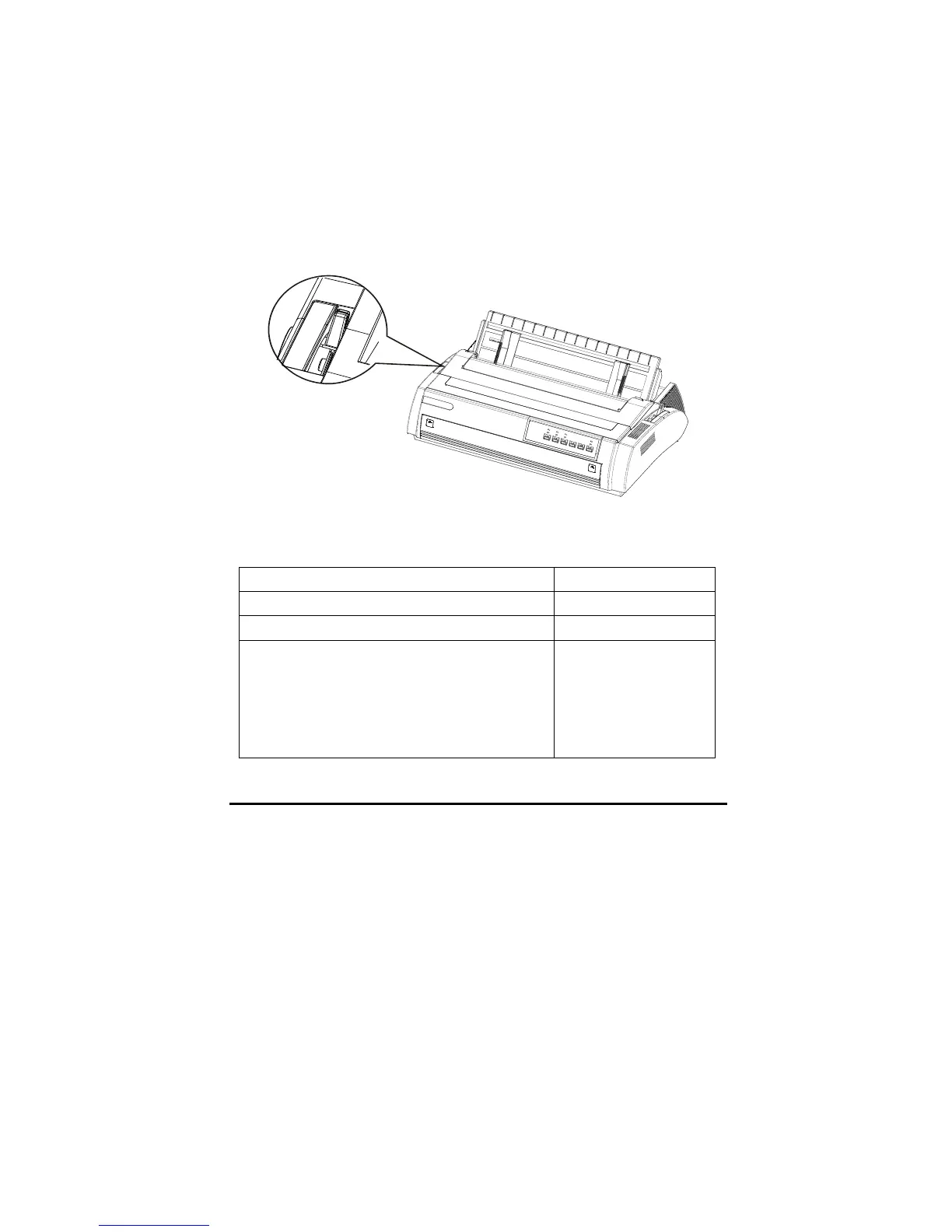
Gap lever
There are six choices in the gap lever for different thickness forms. They are
identified by the mark near the lever.
The following table indicates the lever settings. Place it according to the actual
thickness of paper used.
Paper type Gap lever position
Thin paper 0
Ordinary paper (cut sheets or continuous) 0-1
Multipart forms
2 sheets (original _1 copy)
3 sheets (original _2 copy)
4 sheets (original _3 copy)
5 sheets (original _4 copy)
1-2
2-3
3-4
above 4



 To Next Page