48
4. Load cut sheets from the front or top position, same as described in this
chapter.
Switching to continuous paper
It is easy to switch to continuous paper.
1. If there is cut sheet in the printer, press “Load/Eject” button to eject cut
sheet.
2. Lift the paper guide, and make it parallel with the printer. Slide the both
edge guides to the centre of the continuous paper.
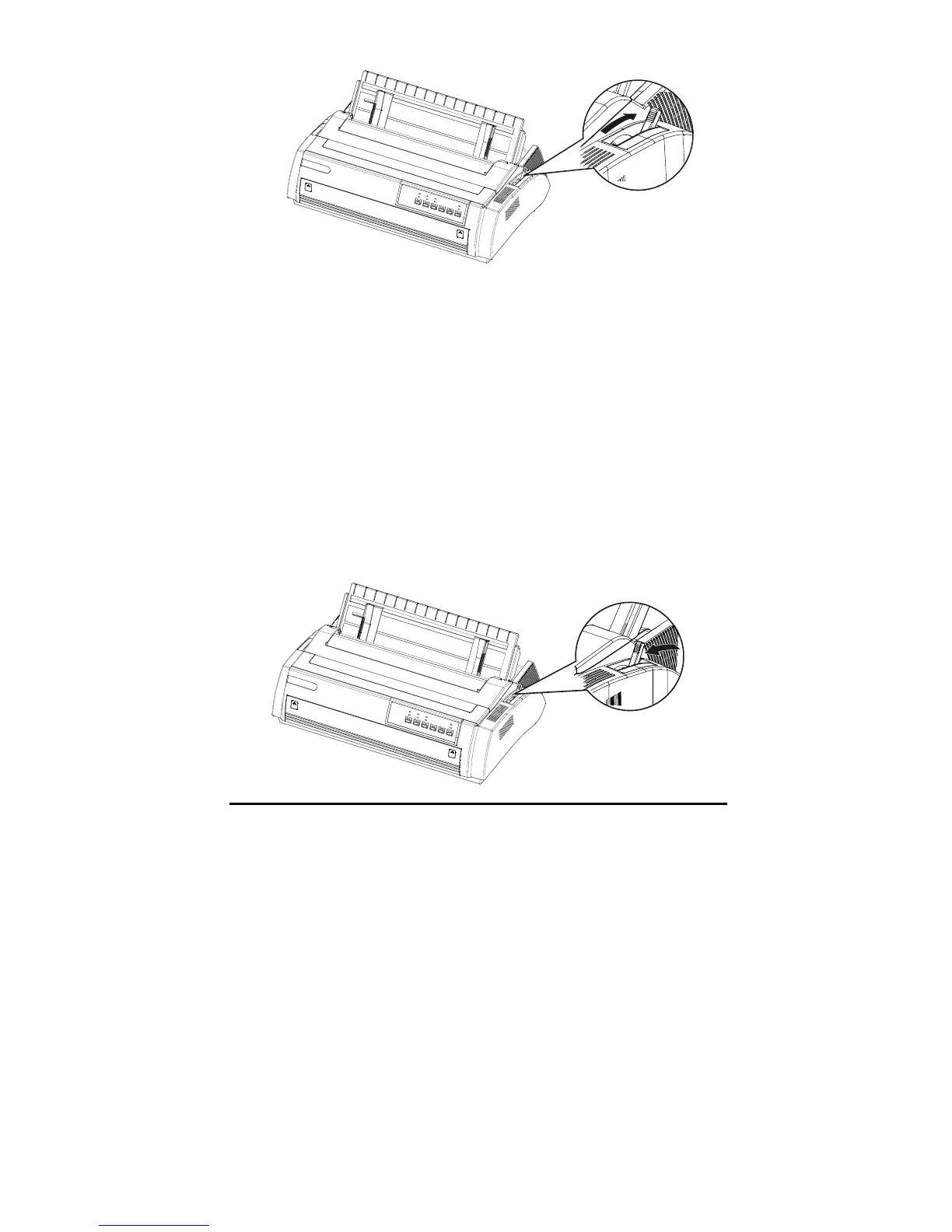
3. Place the paper path selection lever to the required (front of rear tractor)
position.



 To Next Page