39
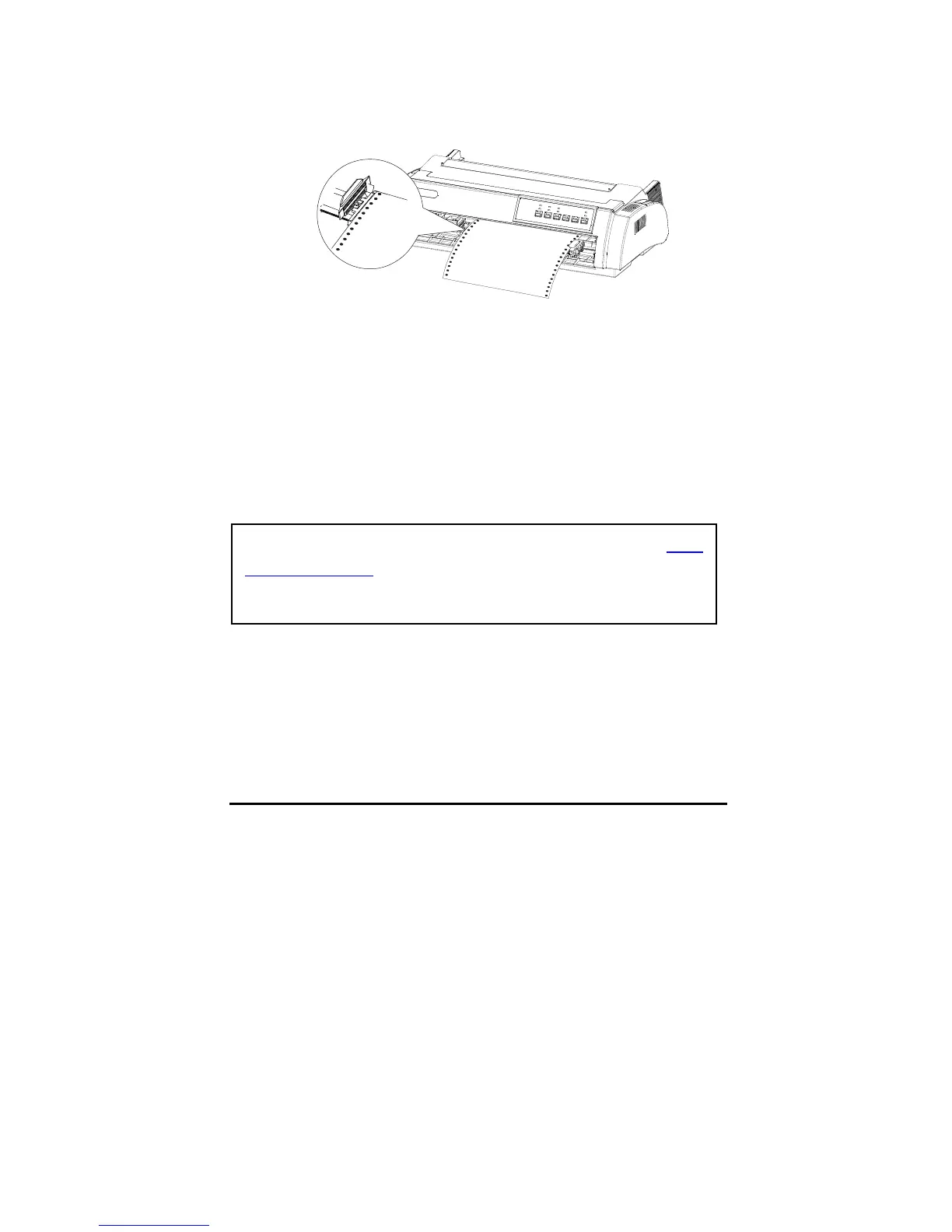
6. Close the sprocket cover.
7. Move the right sprockets to tension continuous paper, and lock the
sprockets.
8. Set the front paper guide and the cover of the front paper load location.
9. Turn on the printer. After receiving data from PC, the printer starts to load
paper automatically.
Remove continuous paper from the front push tractor
1. Press Tear-off button to feed the paper to the tear-off position.
2. Tear off the printed continuous paper.
3. Press “LOAD/EJECT” button again to back to the top of form position.
Feeding continuous paper backward for more than two pages in one time
may cause paper damaged.
If the tear-off position is not in line with the perforation, use the micro
adjustment function.



 To Next Page